Commands
Patch Single Face
 Patch Single Face
The PatchSingleFace command fills a hole in a mesh by creating a single mesh face. This is useful for repairing meshes, particularly in cases where there are gaps or missing faces. The command allows you to close the hole by selecting a combination of edges or vertices to form the new face.
https://docs.mcneel.com/rhino/8/help/en-us/image/topic_illustrations/patchsingleface.gif
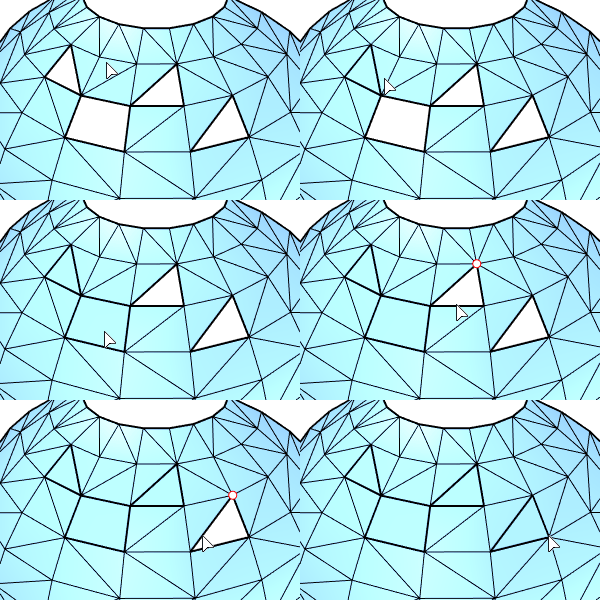
Steps to Use
- Select two edges or vertices around the hole in the mesh.
- Run the PatchSingleFace command to create a new face that fills the hole.
Command-line Options
- JoinMesh: When enabled, this option joins the newly created face with the original mesh, ensuring a seamless connection.
Applications
- Mesh Repair: Fill small holes in meshes to improve their integrity and prevent issues during 3D printing or analysis.
- STL/SLA Printing: Helps prepare meshes by eliminating gaps that could interfere with 3D printing processes, especially for meshes containing long, thin facets.