Commands
3DFace
 3DFace
The 3DFace command creates mesh or SubD faces that can be standalone or added to an existing mesh or SubD.
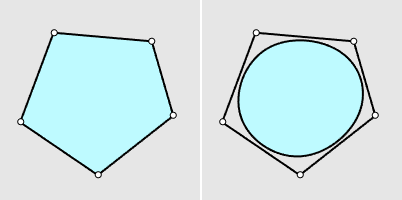
A mesh face (left) and a SubD face (right)
- When meshes or SubDs are pre-selected, the 3DFace command starts in the Append mode.
Command-line options
Output
- Mesh: Creates mesh faces.
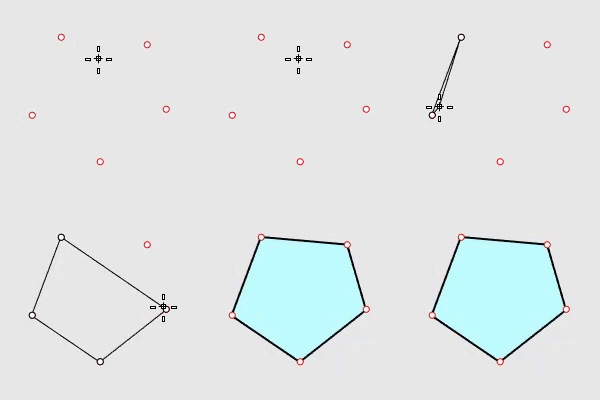
- SubD: Creates SubD faces.
Interpolated (Yes/No)
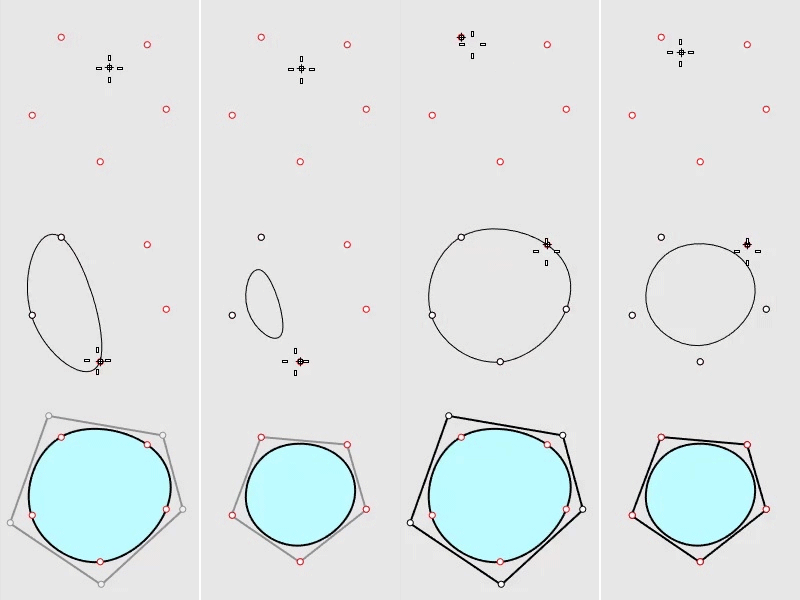
Yes No
Conceptually, this is the difference between what the Curve and InterpCrv commands do. The Curve command turns input points into the curve’s control points. The InterpCrv command creates a curve to pass the input points.
Append
Selects an existing mesh or SubD to which the new faces will be added.
- During appending new faces, press ESC to cancel the current face creation. Press ESC one more time to cancel the command.
PolygonType (Triangle/Quad/Ngon)
Specifies to create triangle, quad, or n-gon faces.
- When PolygonType=Ngon, picking not enough points adds a triangle or quad face.
FromEdge
- Yes: Each new face is started by selecting an existing mesh or SubD boundary edge.
- Chain (Yes/No): Create faces along an edge chain. The edge chain can be from an existing mesh or the current creating mesh.
- FromEdgeReset
- Yes: Resets FromEdge to No in the next 3DFace command session.
- No: Remembers the setting of FromEdge for the next 3DFace command session.
- No: Each new face is created by picking points.
Each new face is created by picking points.
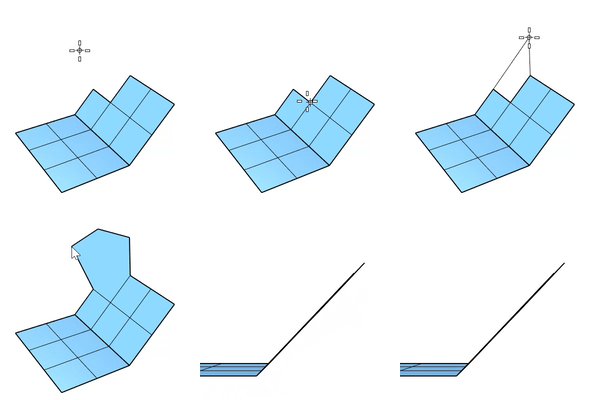
InPlane (Yes/No)
Set Yes to define a plane with the first three points and constrain the rest points of the current face on that plane. This option only takes effect when PolygonType=Quad/Ngon.
WeldAngle (Only for Output=Mesh)
The welding tolerance for mesh edges in degrees. Welding applies to edges around new faces. The default angle is 180 degrees that welds all edges.
Mode (SingleFace/MultipleFaces)
Specifies to create only one or more faces in a command session.
Undo
Removes the previous pick.
For more information, please refer to the Rhino documentation.