In development
RhinoArtisan for Mac is in development, and so is this documentation. Any part of it may be inaccurate or change as the product evolves.
Windows page
This page was written for RhinoArtisan 7 for Windows and has not been reviewed for Mac yet. Screenshots and some details may differ in Rhino for Mac.
Diamonds and Gemstones
Copy by Gems
 Copy by Gems
This command allows us to create copies of objects from one gem to multiple gems, with the option to scale them proportionally to the size available.
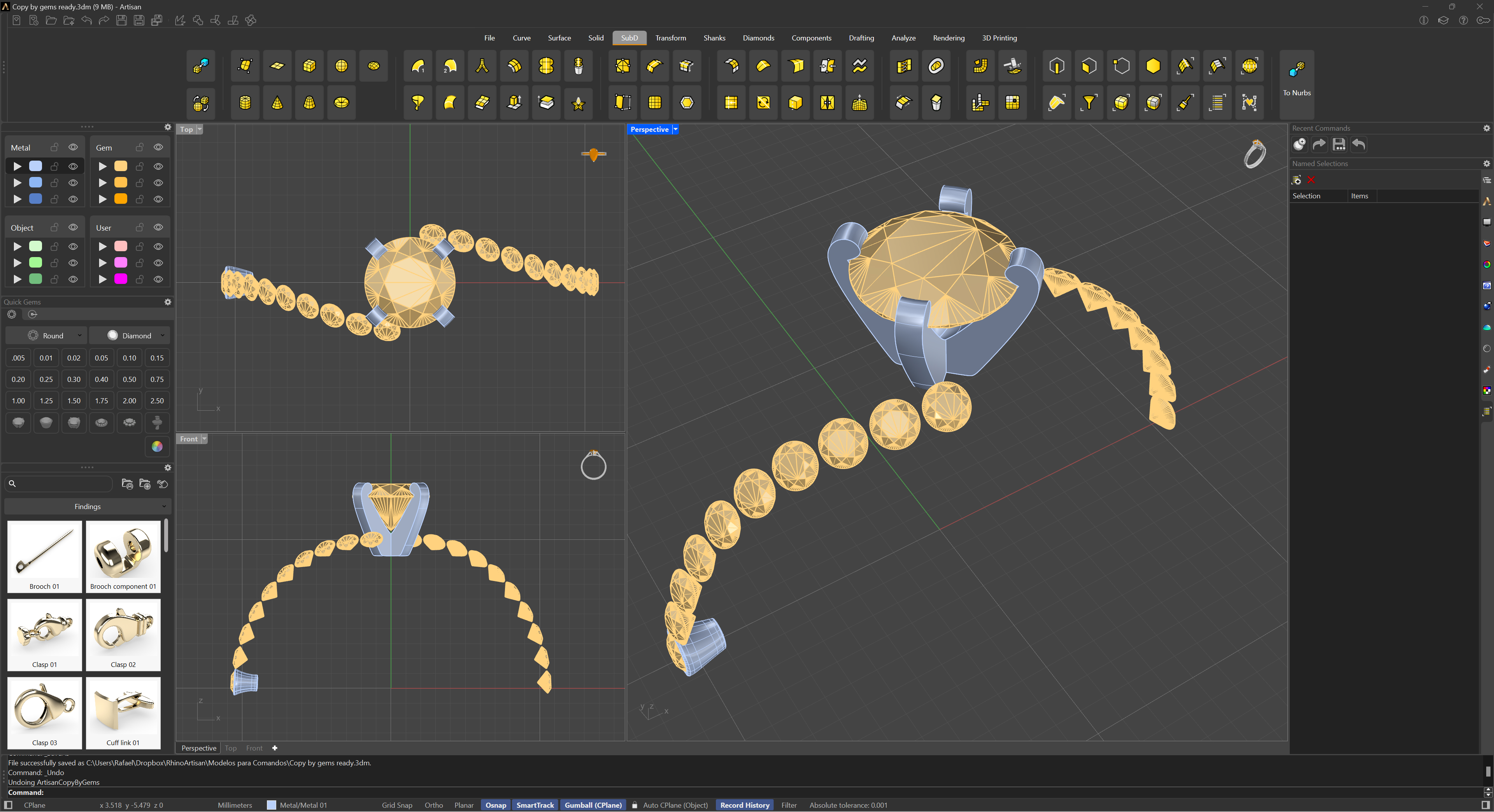
Copy by Gems
As shown in the image, we will copy a Bezel made with SubD and apply it to all the gems.
- Select the source gem, or press Enter to use the CPlane as the source instead.
- Select the target gems; you can choose as many as you want.
- Select the object or objects to copy. While picking, a Scale option lets you choose how the copies adapt to each target gem’s size:
- No — copies keep their original size.
- 2D — copies are scaled in X and Y by the ratio between the target gem’s size and the source gem’s size.
- 3D — copies are scaled uniformly in X, Y and Z by that same ratio.
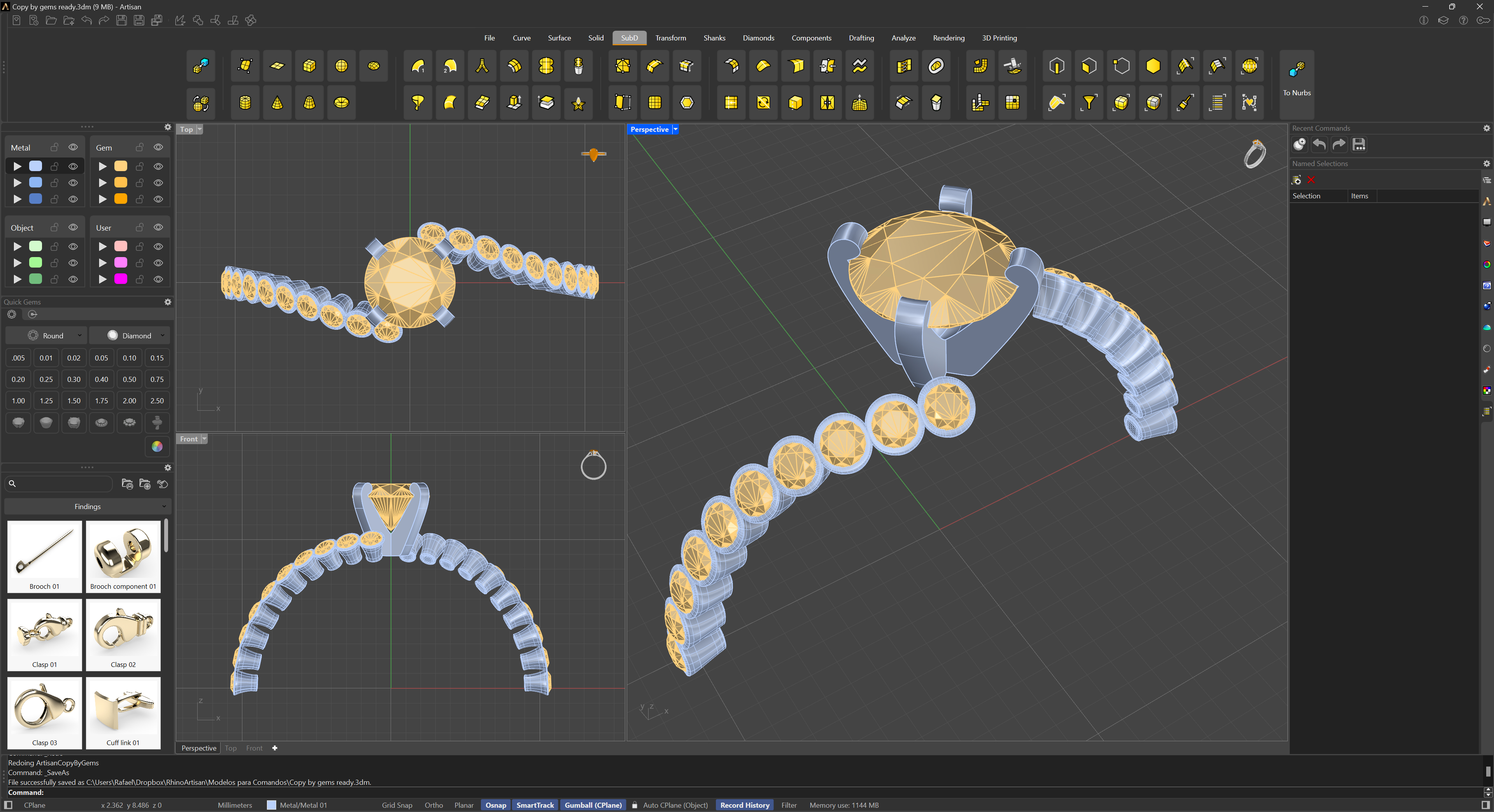
Copy by Gems - Result