RhinoArtisan for Mac is in development, and so is this documentation. Any part of it may be inaccurate or change as the product evolves.
This page was written for RhinoArtisan 7 for Windows and has not been reviewed for Mac yet. Screenshots and some details may differ in Rhino for Mac.
Manufacturing
Thickness
 Thickness
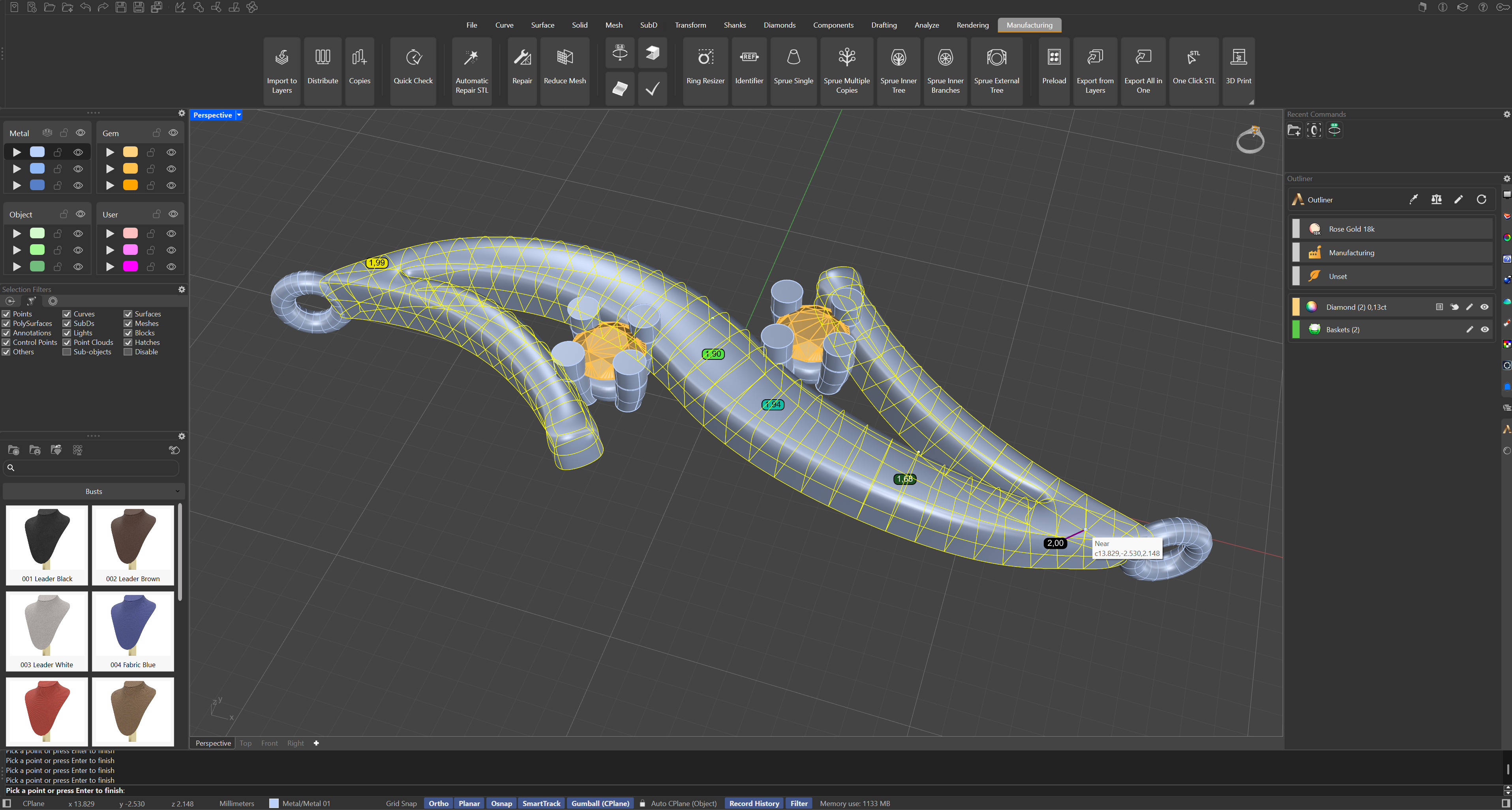
 measures the wall of the piece exactly where you point: select the object, then move the cursor over its surface and the wall thickness under the cursor is calculated live, measured along the surface normal, with a line in the viewport showing the direction of the measurement.
Click to place a text marker with the value at that spot — you can mark as many points as you need, building a record of the walls that matter: the bottom of the shank, the seat under a stone, the back of a signet.
For a map of the whole piece against a minimum value instead of a probe, use Global Thickness.