In development
RhinoArtisan for Mac is in development, and so is this documentation. Any part of it may be inaccurate or change as the product evolves.
Windows page
This page was written for RhinoArtisan 7 for Windows and has not been reviewed for Mac yet. Screenshots and some details may differ in Rhino for Mac.
Manufacturing
Distribute
 Distribute
 spreads the models out along the X axis with clear separation between them, so a pile of freshly imported STLs turns into an orderly row you can actually look at.
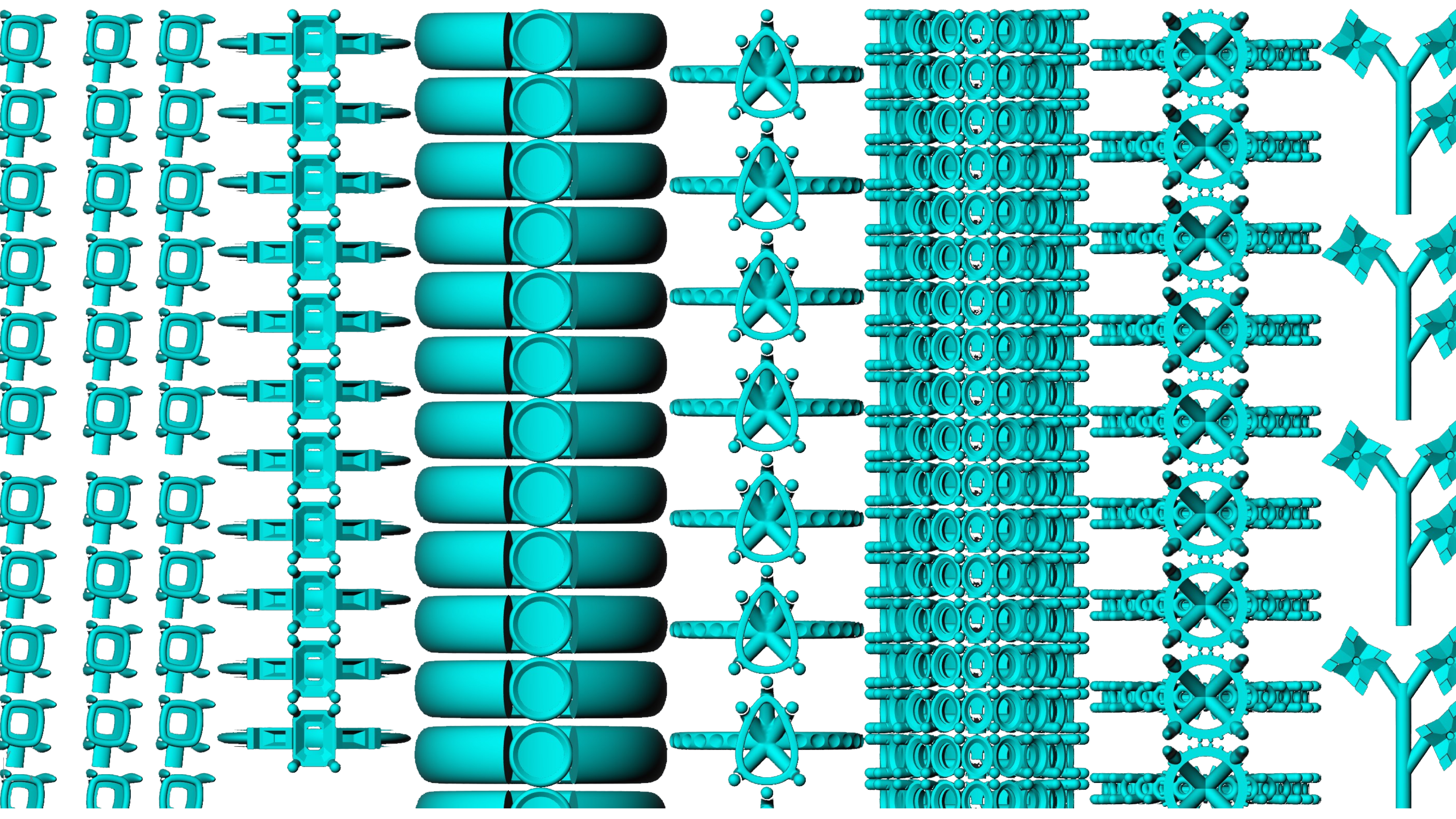
Use it right after Import to Layers: with every model visible side by side, it is easy to review each design and decide how many copies of it the print tray needs. The final packing of the tray itself is Preload’s job.