In development
RhinoArtisan for Mac is in development, and so is this documentation. Any part of it may be inaccurate or change as the product evolves.
Windows page
This page was written for RhinoArtisan 7 for Windows and has not been reviewed for Mac yet. Screenshots and some details may differ in Rhino for Mac.
Curve
Advanced Curve
 Advanced Curve
With this command you can create a complex curve through some steps:
1) Once you run the command, it will ask you to pick a point where the curve will start.
2) Click on any other place to create a new point for your curve.
3) When you press the Escape or Enter key, or if you right-click on the viewport, the command will end and stop adding more points to your curve.
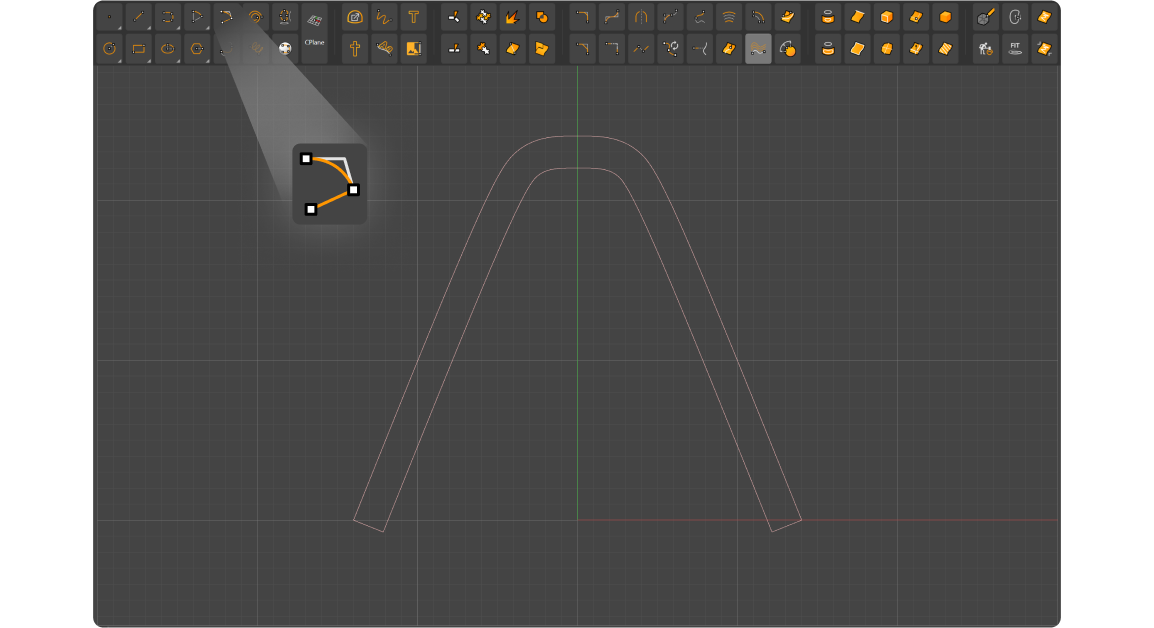
When running the command, you can see three options in the command prompt:
- Close: If it’s set to On, it will generate a closed curve with ends meeting the starting point.
- Symmetry: Disabled by default, it can be set to X if you want horizontal symmetry, to Y to make it vertically symmetric, or Quad, if you wish to make the curve symmetric on all axis.
- Offset: Clicking on this option allows you to type the thickness of this curve in millimeters.
- Undo: If clicked, it will undo the previous change you made.