RhinoArtisan for Mac is in development, and so is this documentation. Any part of it may be inaccurate or change as the product evolves.
This page was written for RhinoArtisan 7 for Windows and has not been reviewed for Mac yet. Screenshots and some details may differ in Rhino for Mac.
Retail
Boutique
 Boutique
 is a library of ready-made jewelry collections: professional, production-ready designs organized by collection, meant both as inspiration and as starting points for your own work. Alongside the official collections you can create your own and share them with clients — a catalog to co-create from, right inside Rhino.
How it works
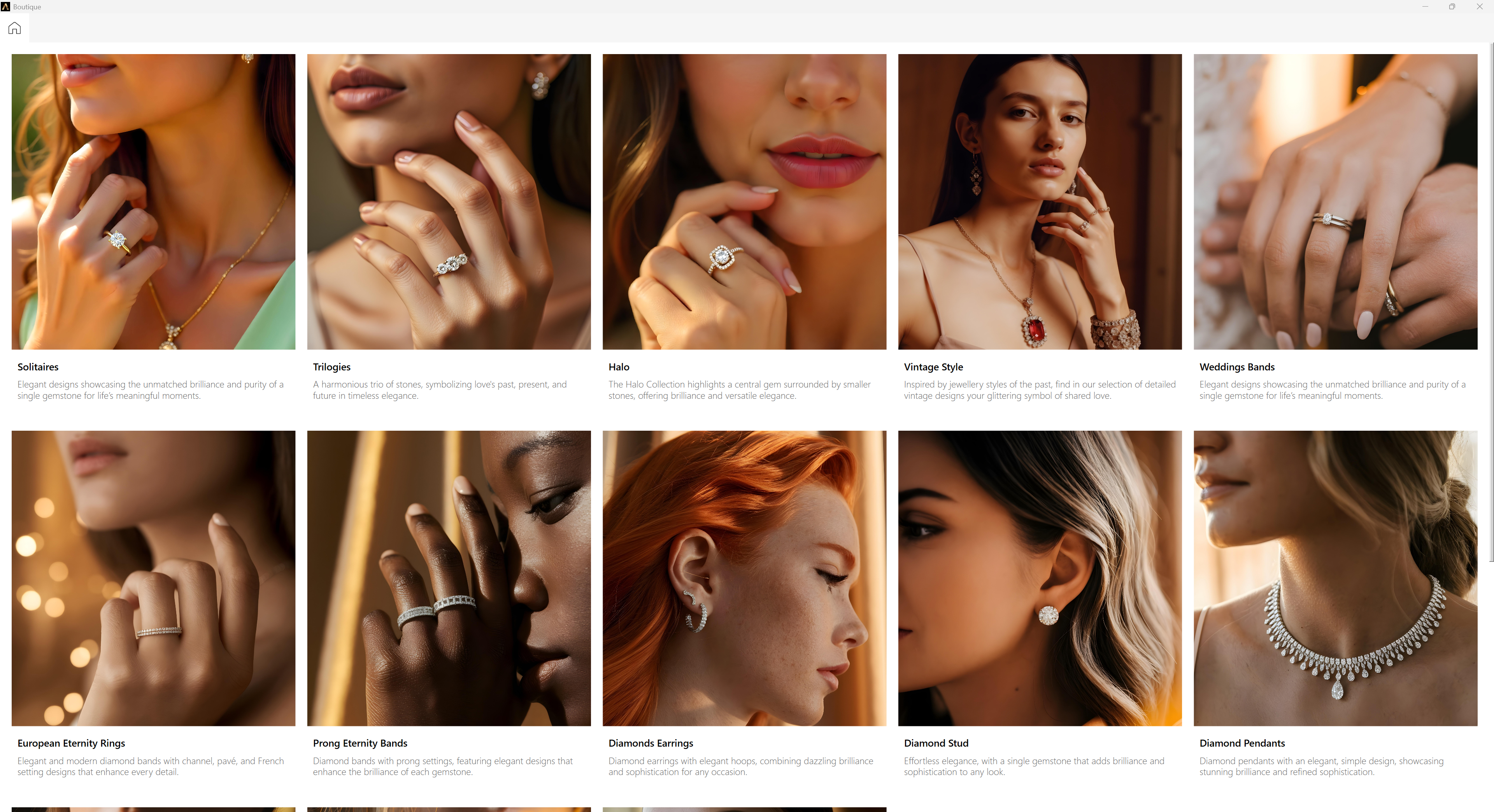
The first time you open Boutique, RhinoArtisan offers to download the available collections — content for both Boutique and Components. Once downloaded, they are installed in your user folder and appear in the Boutique window, each with its cover image, title, and short description.
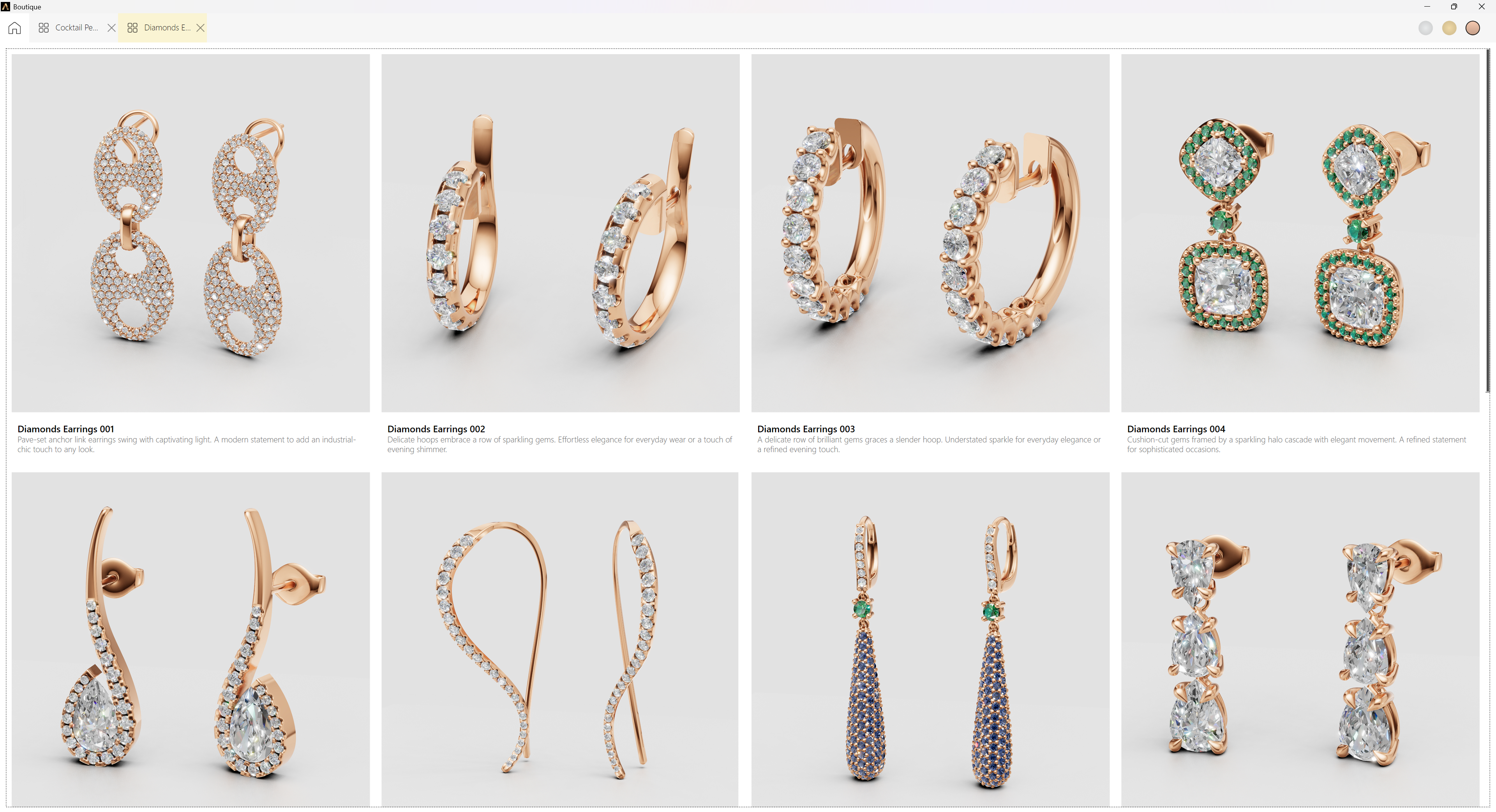
Open a collection and every design inside is shown with its image, name, and description. Click a design and it is inserted into the viewport, ready to customize or send to production. The window stays open, so you can keep browsing and inserting without interruption.
Once inserted, a design is ordinary RhinoArtisan geometry: edit it, resize it, price it, export it as STL for printing, or hand it to a client as-is.
Everything around the collections themselves — downloading the official ones, importing, creating your own, and sharing them — is covered in Collections.
Keyboard controls on Mac
Press ⌘F to show or hide the search box and ⌘R to reload the catalogue. With a collection or design card focused, press Return or Space to open the collection or insert the design.