RhinoArtisan for Mac is in development, and so is this documentation. Any part of it may be inaccurate or change as the product evolves.
This page was written for RhinoArtisan 7 for Windows and has not been reviewed for Mac yet. Screenshots and some details may differ in Rhino for Mac.
Diamonds and Gemstones
Flip Plane
Run ArtisanGemsFlipPlane in Rhino’s command line and select the gems whose stored planes you want to flip.
 Flip Plane
The Flip Plane command in RhinoArtisan is designed for workflows that involve symmetry, especially when mirroring gemstones from one half of a ring to the other. When gems are reflected, their construction plane orientation is also reversed. As a result, if cutters are applied to these mirrored stones, they will be created in the wrong direction.
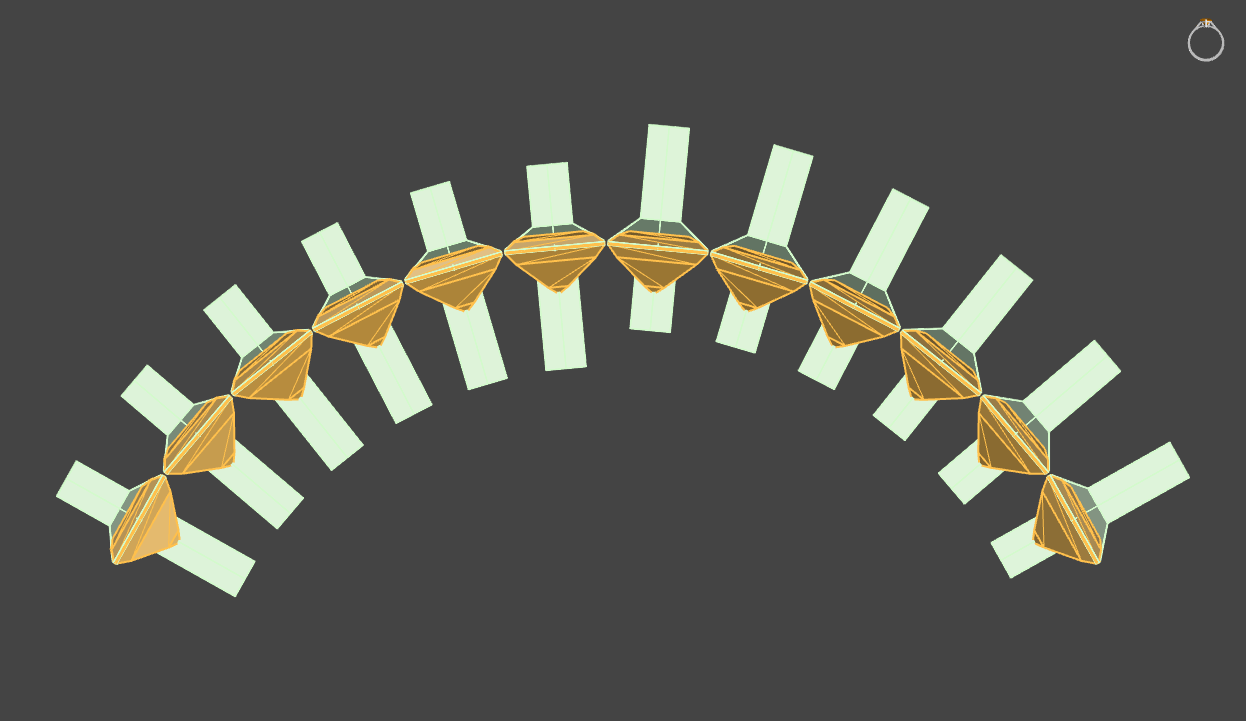
To correct this, the Flip Plane command allows users to “flip” the construction plane of these reflected gems. By selecting the mirrored gemstones and activating the command, the cutters will be correctly aligned, ensuring proper orientation for further modifications or manufacturing processes.
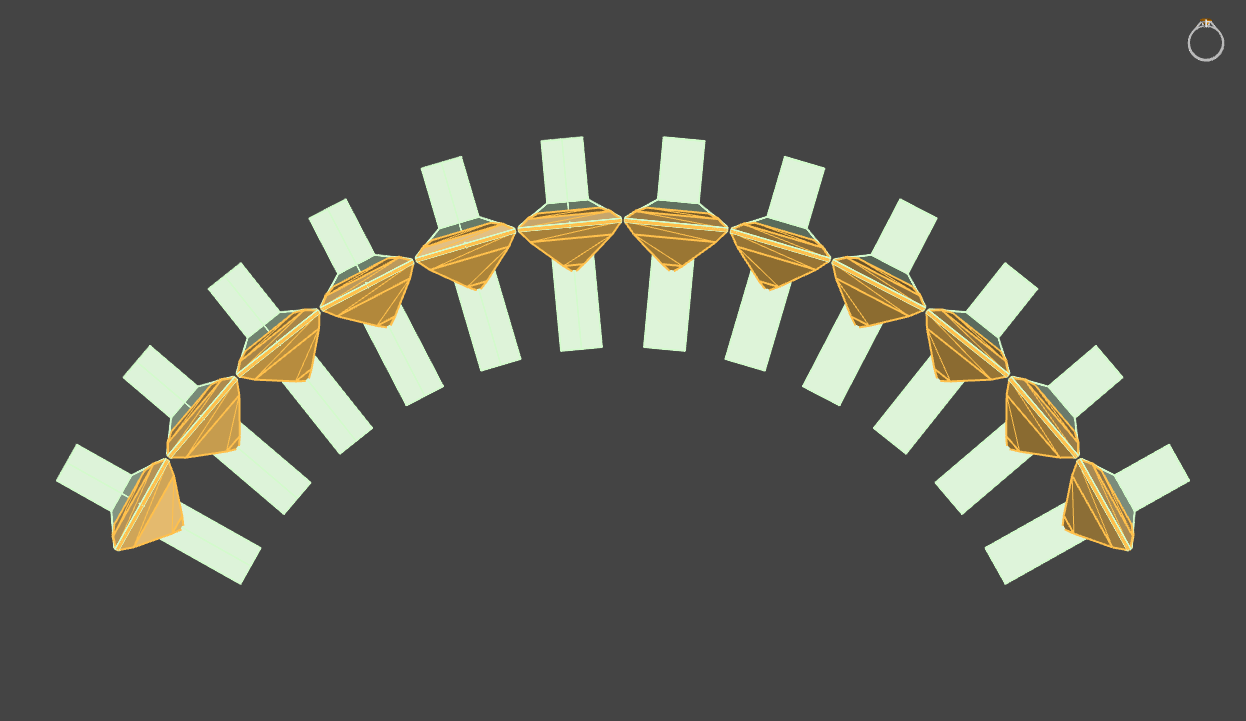
This tool is particularly useful when working with symmetrical designs, helping to maintain accuracy and consistency in gemstone placement and cutter alignment.