In development
RhinoArtisan for Mac is in development, and so is this documentation. Any part of it may be inaccurate or change as the product evolves.
Windows page
This page was written for RhinoArtisan 7 for Windows and has not been reviewed for Mac yet. Screenshots and some details may differ in Rhino for Mac.
Manufacturing
Sprue Multiple Copies
 Sprue Multiple Copies
 connects a set of meshes to a main runner: you define one main branch, then grow secondary branches from it to each piece, with every diameter under control.
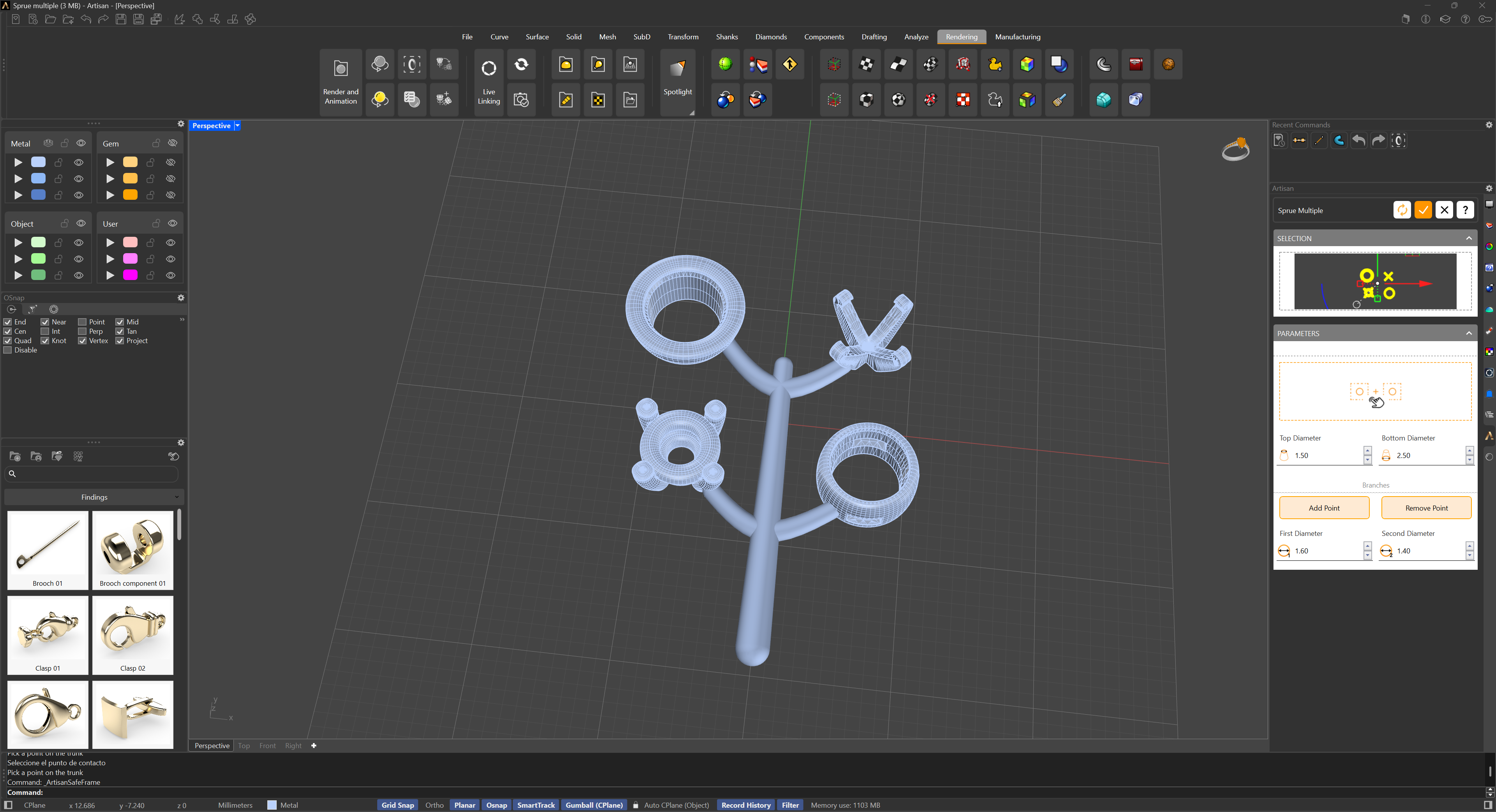
The selection panel lists the meshes to connect. In the parameters panel:
- Main Branch — a button to define the main branch by its start and end points, and its diameter at each end.
- Add Branch — pick a point on a mesh, then the point on the main branch it should connect to. Each branch gets a gumball for fine adjustment.
- Delete Branch — removes branches; to delete one specific branch, hold Shift and click its gumball.
- Diameter — the secondary branches’ start and end diameters.
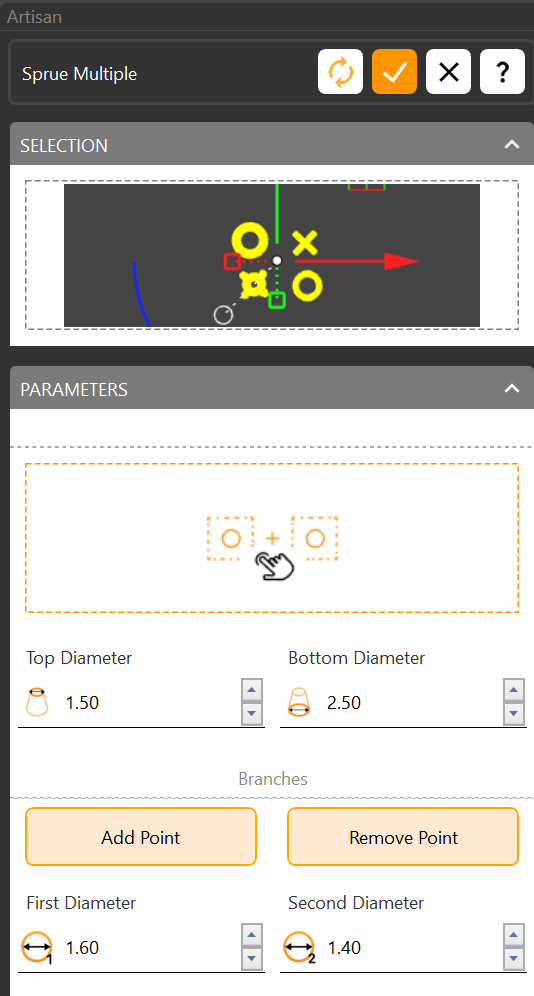
The workflow: select the meshes, lay the main branch, add a branch to each piece, and tune the diameters — wider where the metal enters, narrower at the piece.