RhinoArtisan for Mac is in development, and so is this documentation. Any part of it may be inaccurate or change as the product evolves.
This page was written for RhinoArtisan 7 for Windows and has not been reviewed for Mac yet. Screenshots and some details may differ in Rhino for Mac.
Manufacturing
3D Print
 3D Print
 is the end of the line inside Rhino: it hands the arranged designs straight to your printer’s own software. RhinoArtisan ships preconfigured connectors for the most common resin printers, and you can point it at any other slicer installed on your system.
Left-click 3D Print (Artisan3DPrint) to send the design to your selected printing application. Right-click the same button (Artisan3DPrintSelectApp) to choose or change that application. You can also run either command from Rhino’s command line.
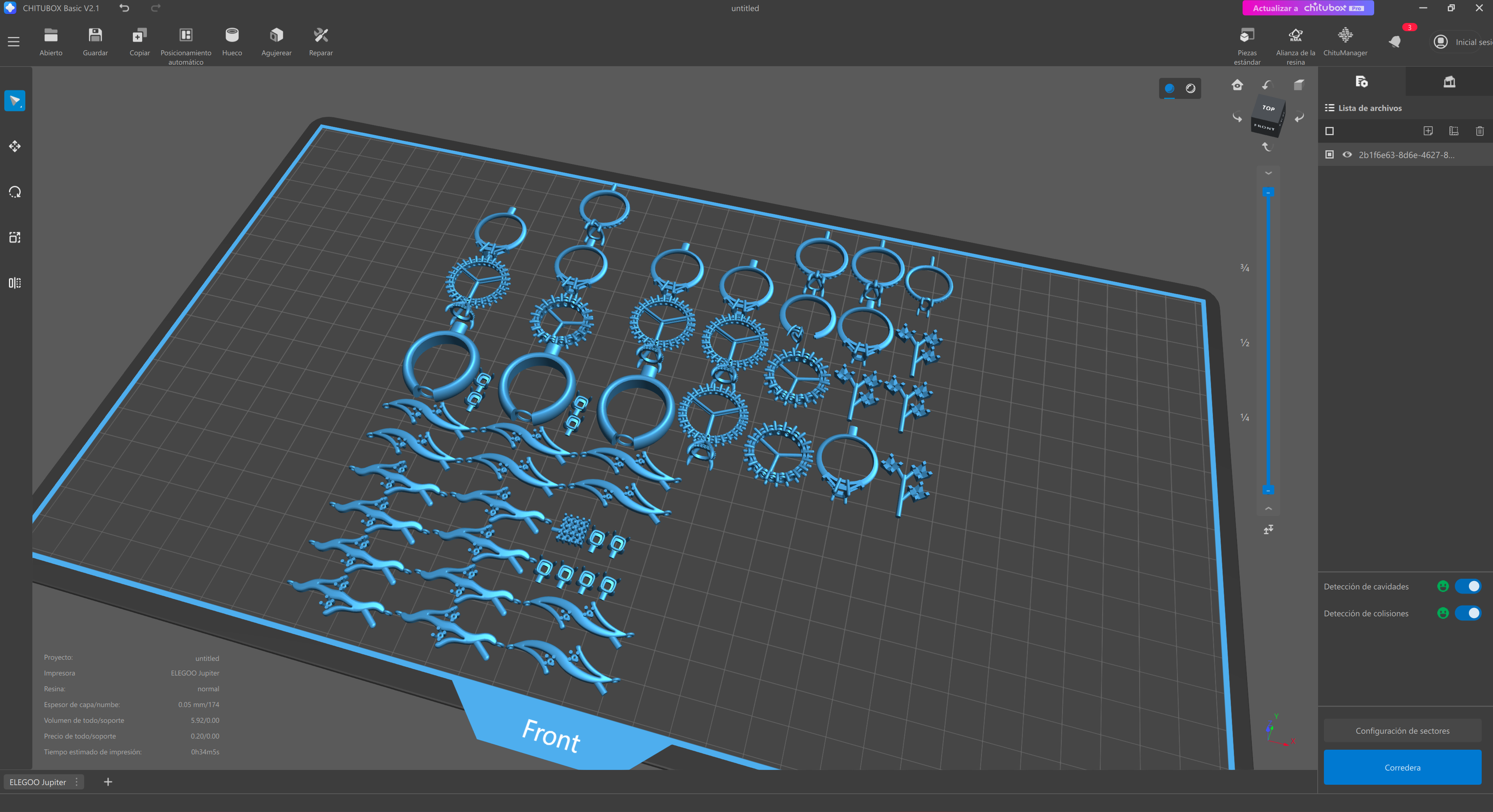
Each preset connector opens the design directly in its slicer:
 Asiga Composer
Opens the design in Asiga’s slicer, Composer.
 Formlabs PreForm
Opens the design in Formlabs’ slicer, PreForm.
 3D Systems Geomagic Print
Opens the design in 3D Systems’ slicer, Geomagic Print.
 Anycubic Workshop
Opens the design in Anycubic’s slicer, Photon Workshop.
 B9 Captivate
Opens the design in B9Creations’ slicer, Captivate.
 Elegoo Chitubox
Opens the design in Chitubox — for Elegoo printers, and for any other brand that slices with it.
If your printer is not in the list, export the tray as STL with Export from Layers or Export All in One and open the file in your slicer directly.