RhinoArtisan for Mac is in development, and so is this documentation. Any part of it may be inaccurate or change as the product evolves.
This page was written for RhinoArtisan 7 for Windows and has not been reviewed for Mac yet. Screenshots and some details may differ in Rhino for Mac.
Rendering
Pair
 Pair
The Pair command is an essential tool for efficiently creating pairs of objects in your models. This command lets you choose whether to mirror the objects and adjust the distance or angle between them according to your specific requirements, making it ideal for creating symmetrical or complementary designs.
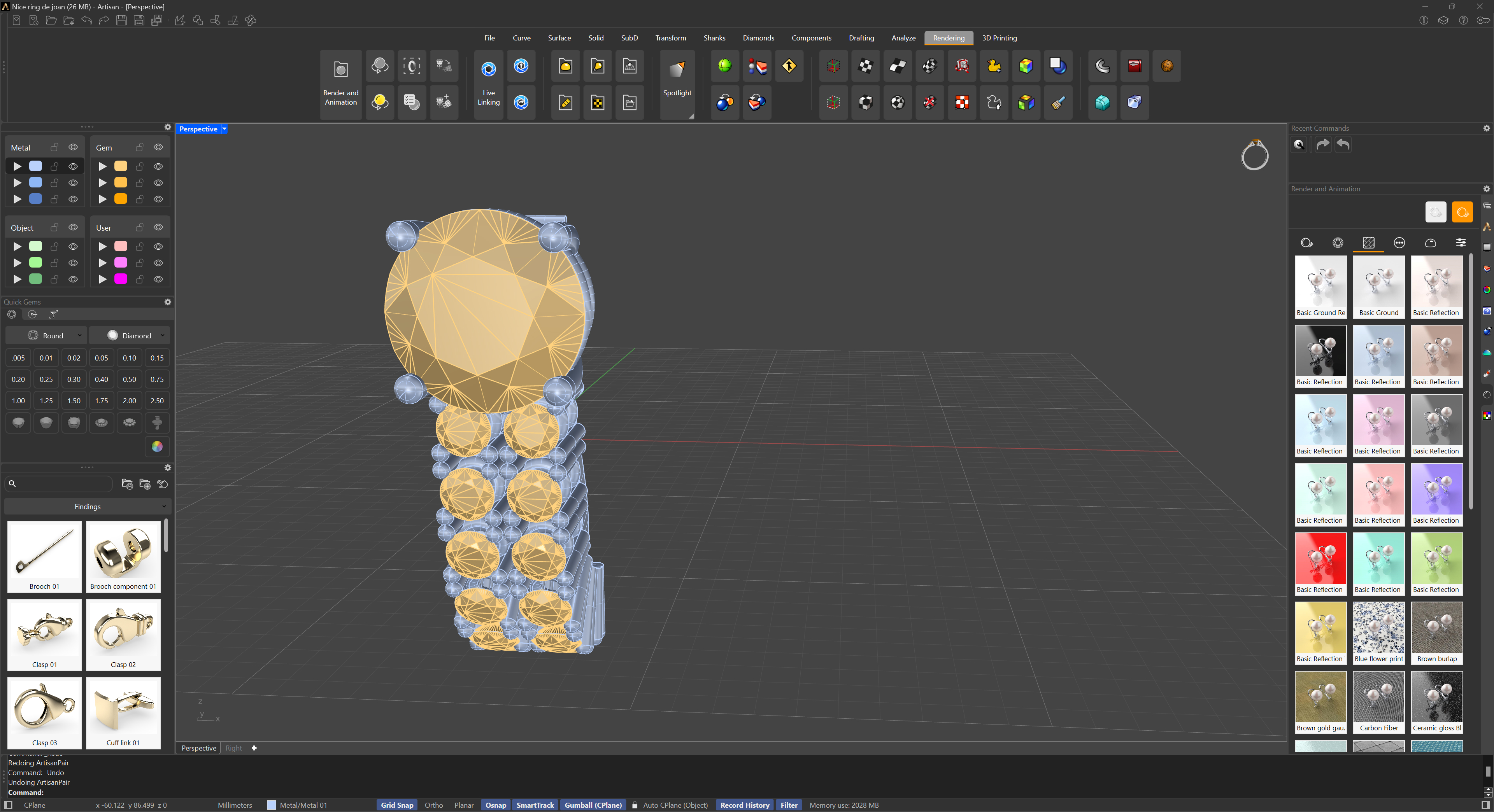
Pair - One Model
The usage is very straightforward. When you run the command, you’ll be prompted to select objects, and a pair preview will be displayed. You have two parameters available: distance and angle.
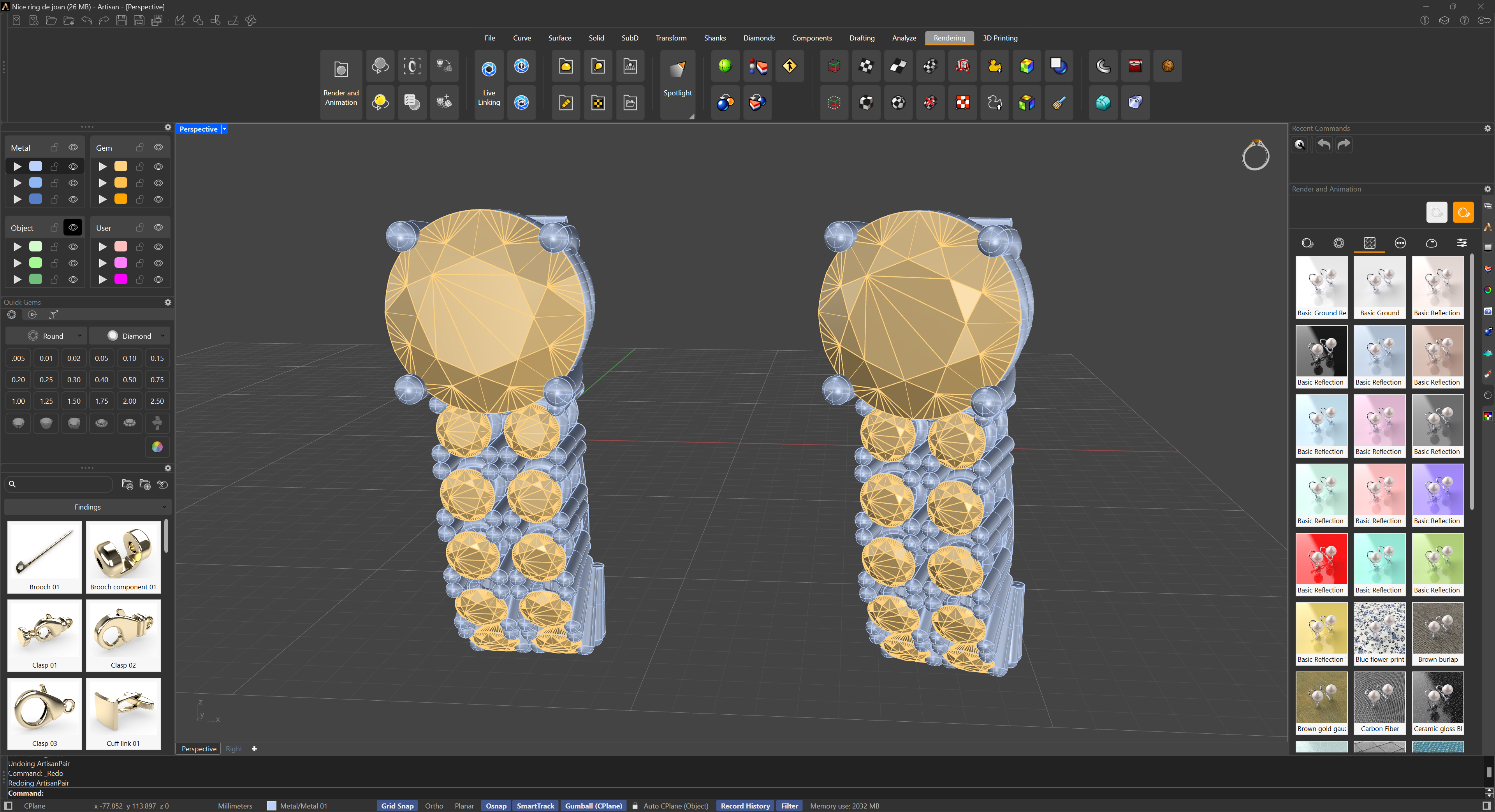
Pair - Result
If we pay attention, we’ll see that the command defaults to an angle of 20 degrees. This is because it looks more aesthetically pleasing than having the two pieces parallel.
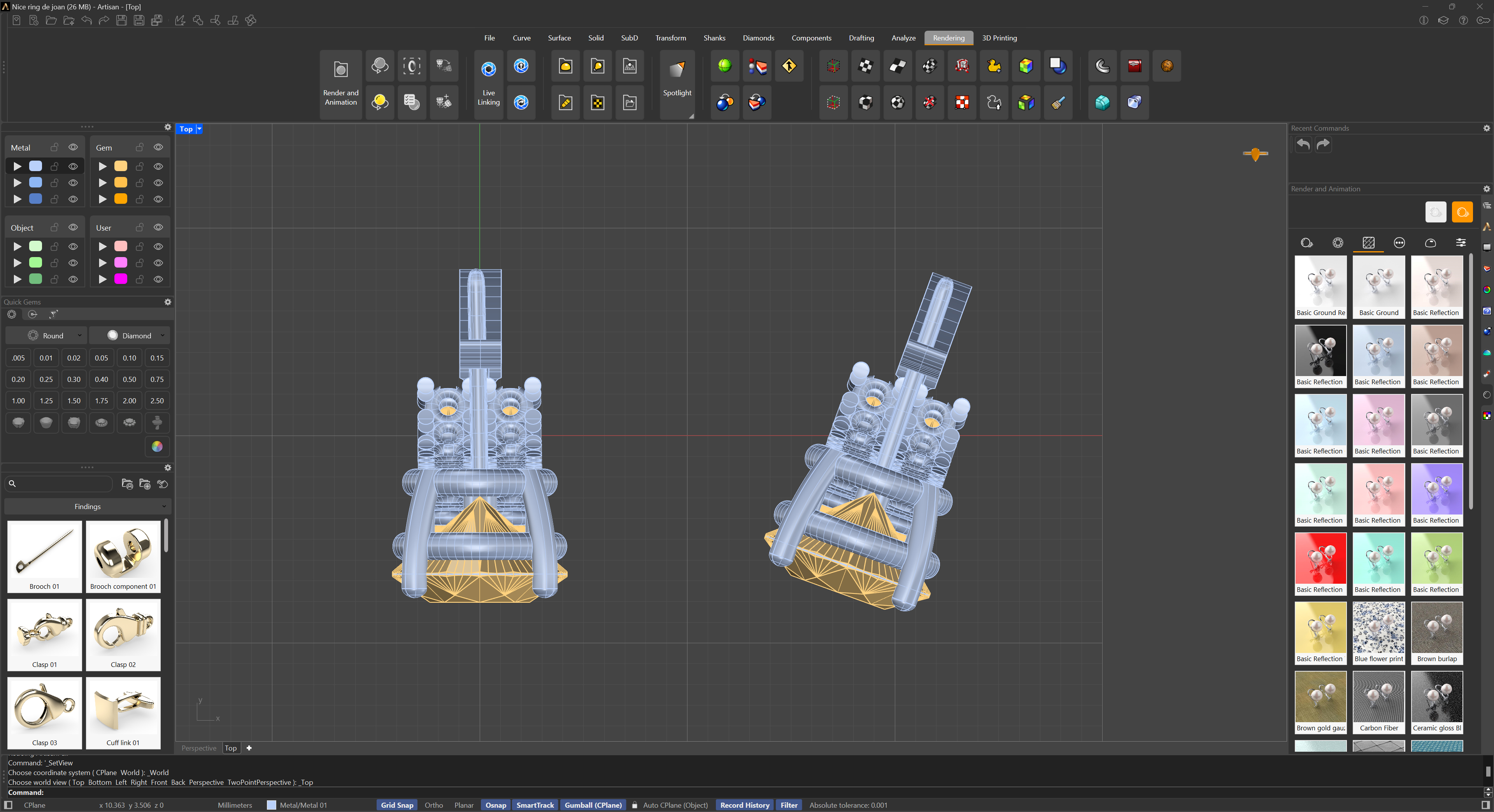
Pair Tip