In development
RhinoArtisan for Mac is in development, and so is this documentation. Any part of it may be inaccurate or change as the product evolves.
Windows page
This page was written for RhinoArtisan 7 for Windows and has not been reviewed for Mac yet. Screenshots and some details may differ in Rhino for Mac.
Curve
Raster to Vector
 Raster to Vector
This command converts an image into a group of curves. It’s handy for translating images into 3D models.
The command’s parameters will be displayed on the Commands toolbar.
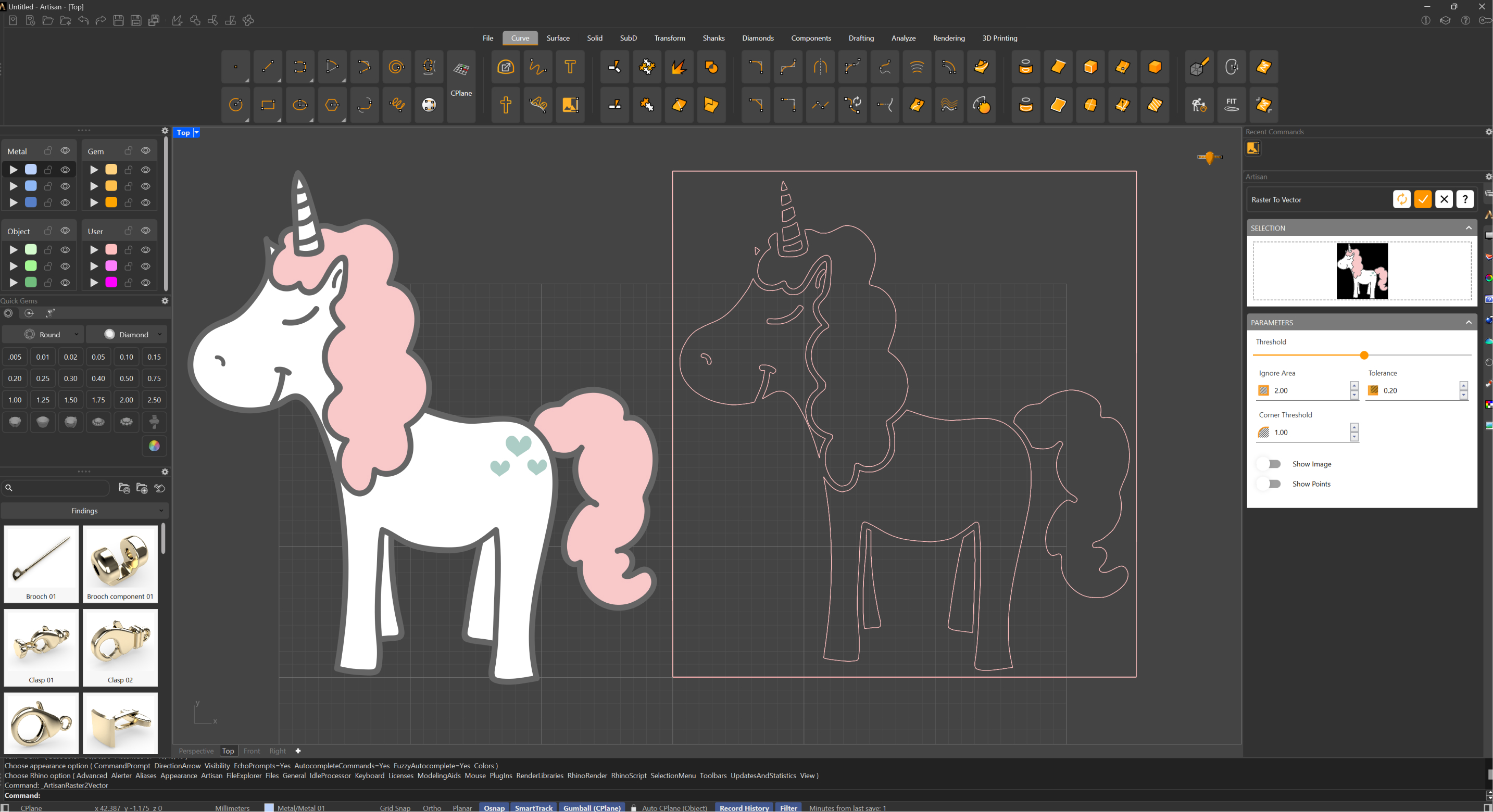
Select an image in any format, and a preview will be displayed. Using the available parameters, you can define how you want the curves to adapt to the image and whether you want to smooth sharp edges.