Getting Started
Languages
RhinoArtisan is available in the following languages: English, German, French, Spanish, Italian, Japanese, Korean, Simplified Chinese, Traditional Chinese, Russian, Polish, Portuguese, and Czech.
How can you change the language if multiple languages are installed?
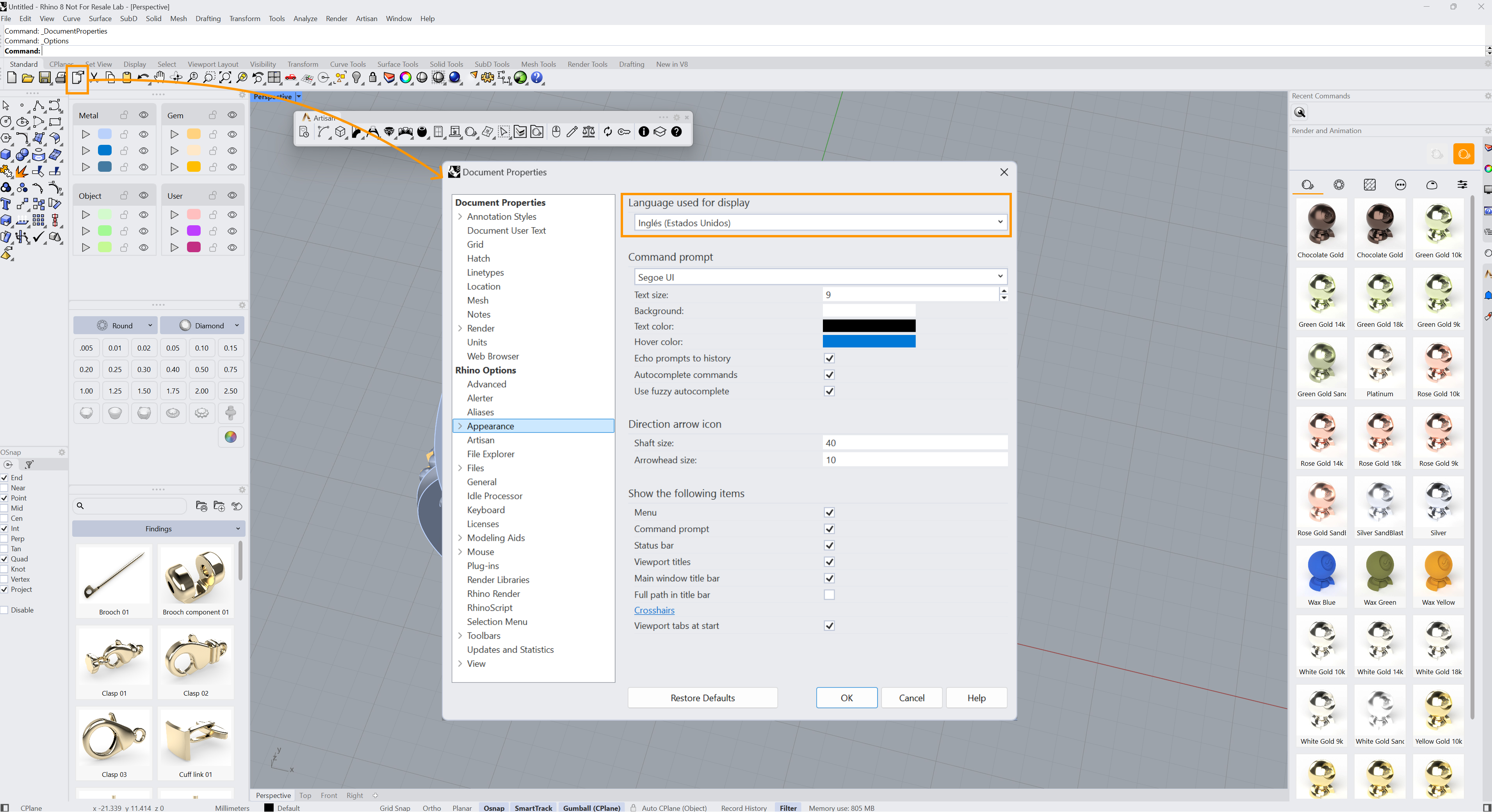
You can change the language in Rhino’s settings by running the Options command or clicking the Options button. Select the Appearance option on the left menu.
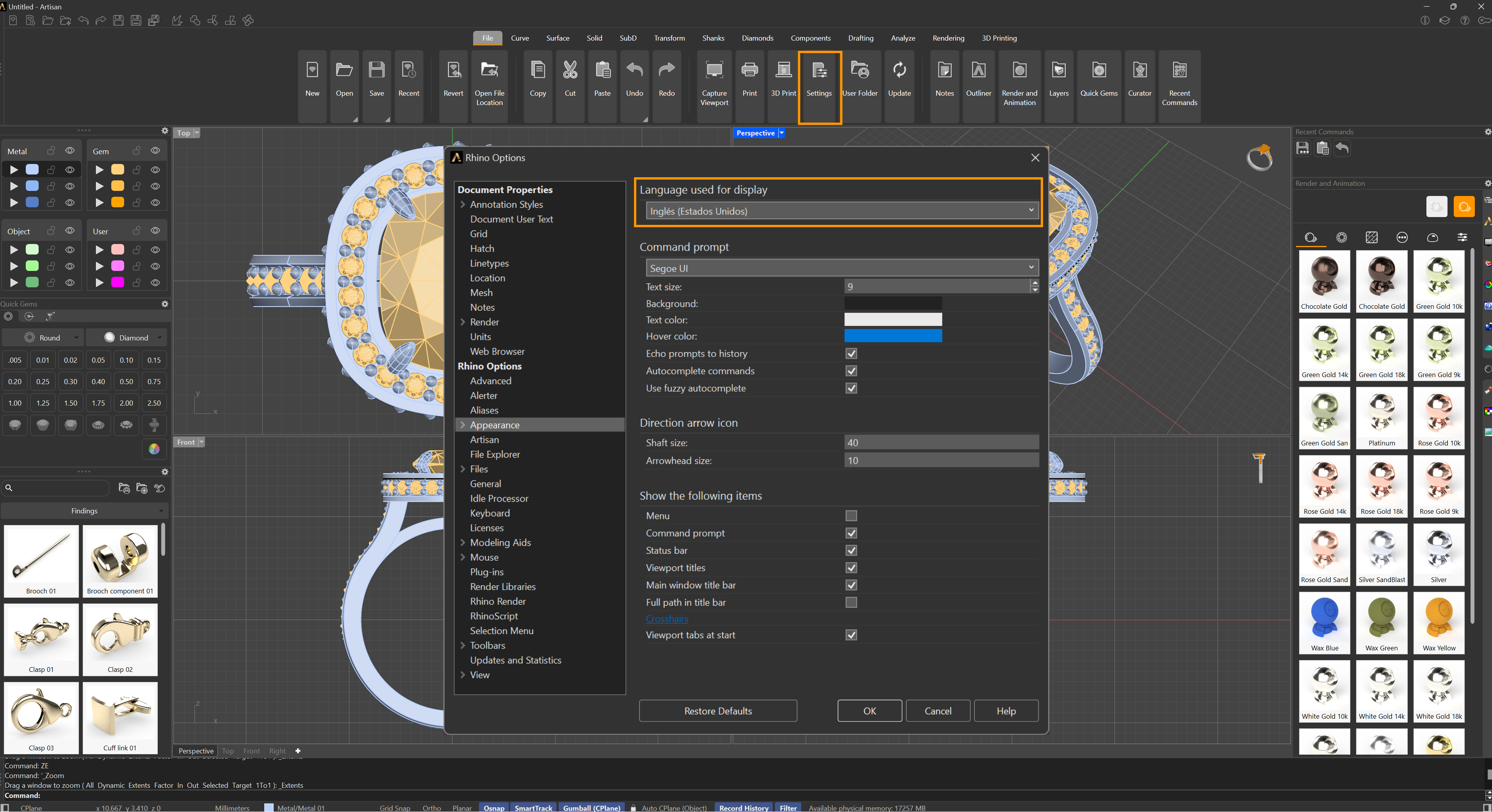
In the case of RhinoArtisan, the procedure is precisely the same: File > Settings.