User Interface
Toolbar and Menu in Rhino
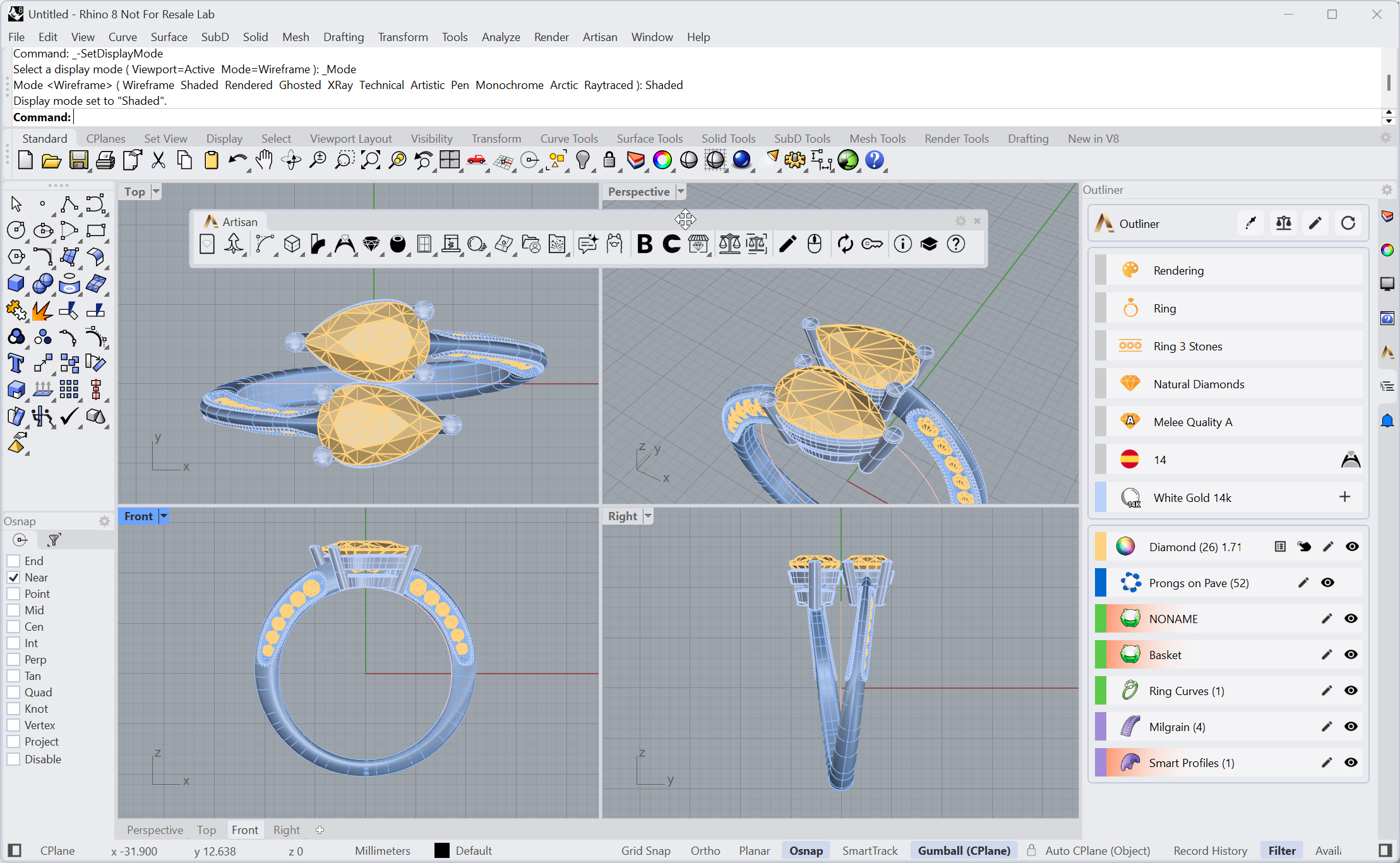
In the Rhino user interface, we can run RhinoArtisan in three ways, just like in Rhino: Menu, Toolbar or by Command Prompt.
Menu
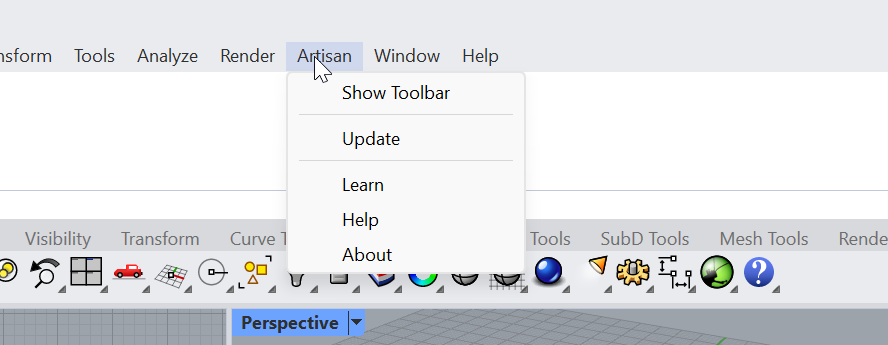
A new menu will appear in Rhino with the name Artisan.
Toolbar
When RhinoArtisan is installed, the toolbar will also appear. As in any other Rhino toolbar, we can see that some icons have a small triangle at the bottom right, it will open a new toolbar.

Commands
All RhinoArtisan tools are available at the command prompt, and every one of them starts with Artisan. Type Artisan and Rhino lists them all, so you can browse the whole set without leaving the keyboard.
You don’t need the exact name either: type any part of it and Rhino filters the list down. For example, ArtisanGemStudio shows up if you just type Studio.
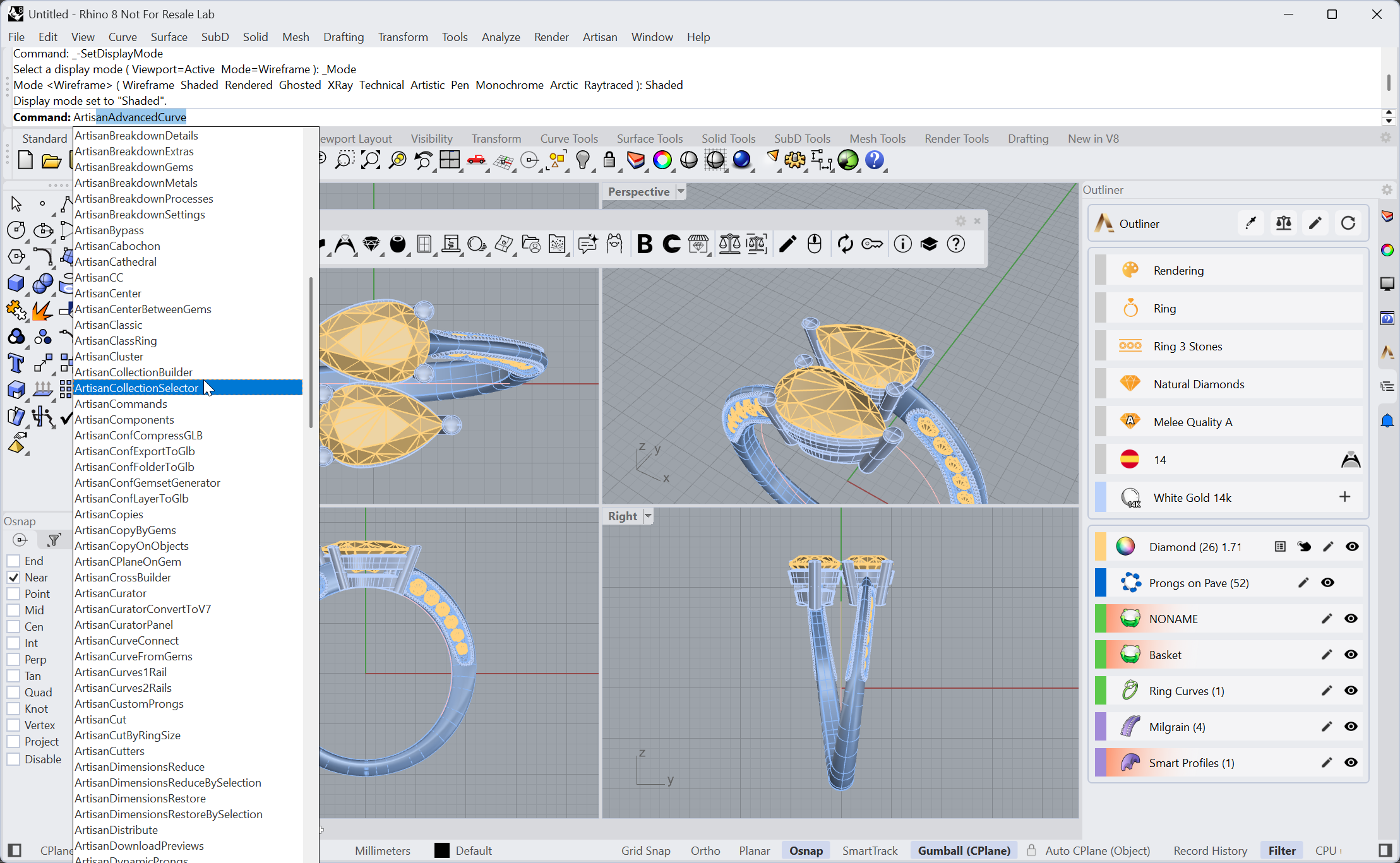
Typing Artisan lists every RhinoArtisan command