Tabs
Pair
.png) Pair
Pair
The Pair command, found in the Transform and Rendering tab, simplifies creating object pairs by allowing you to mirror and adjust their placement.
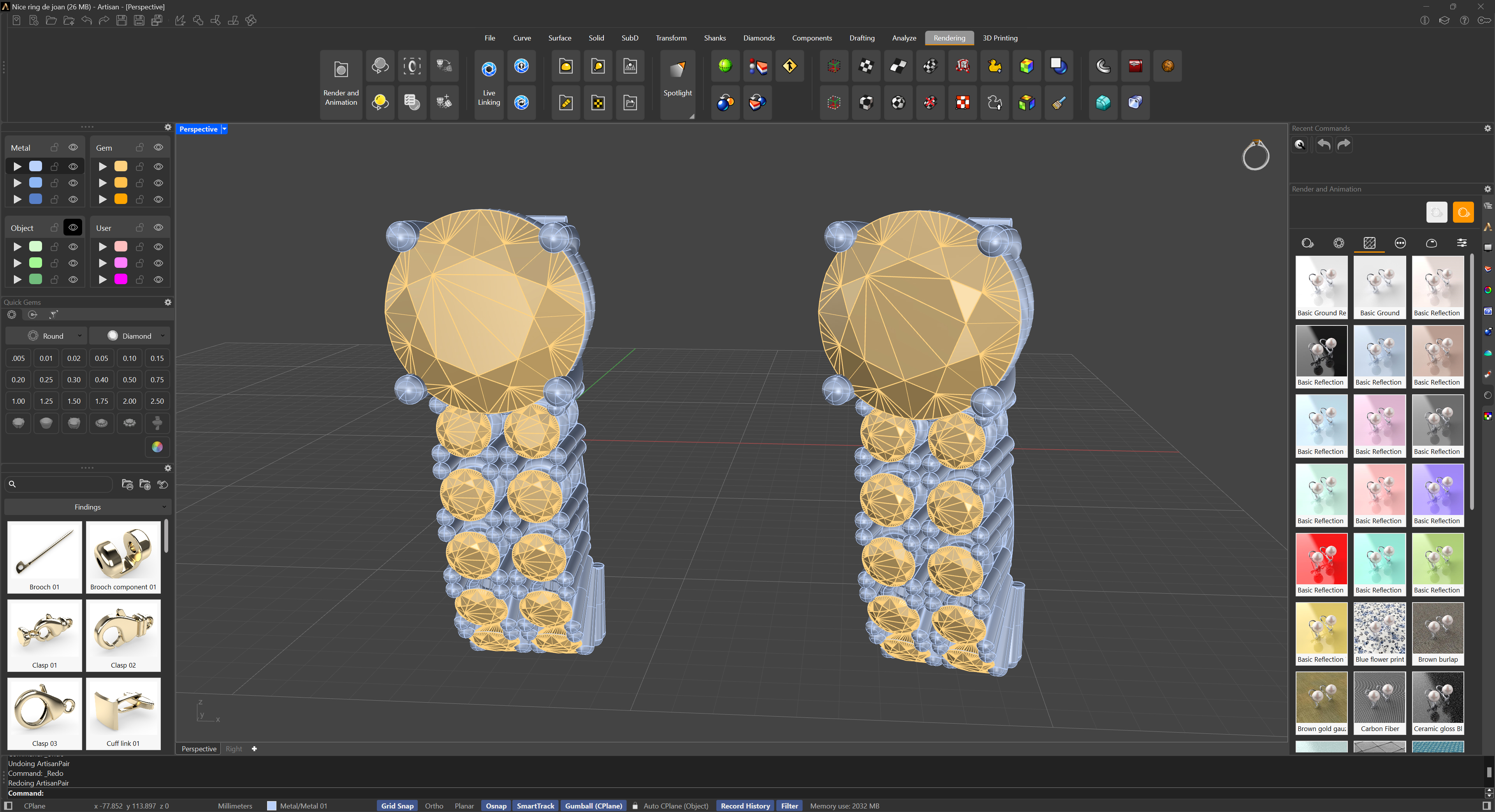
Pair
Steps
- Select Objects: Choose the object or multiple objects to pair.
- Mirror Option: Decide if you want to mirror the objects.
- Set Distance: Specify the distance between the paired objects.
- Adjust Angle: Set the angle for orientation if needed.
After configuring these options, press Enter. The command will create the paired objects based on your settings.