Manufacturing
Import to Layers
 Import to Layers
Import to Layers brings a whole folder of STL files into the document in one go: point it at the folder, and every STL in it is imported onto its own layer, named after the file and given its own color so the models can be told apart at a glance.
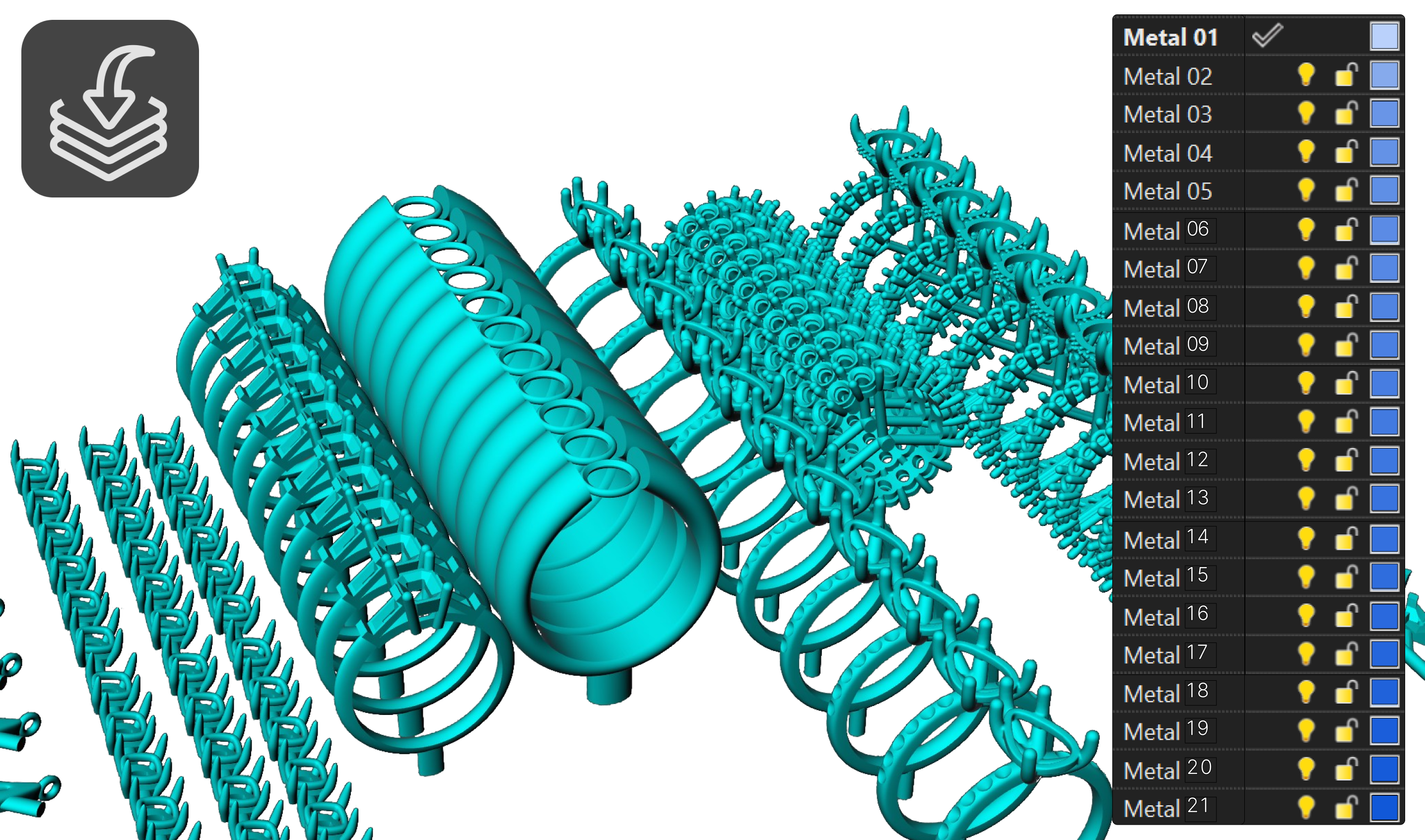
This is the first step of preparing a print tray: instead of importing files one by one and sorting them by hand, the layer panel becomes the inventory of what is going on the plate. From there, Distribute spreads the models out and Copies multiplies each one into the quantity you need to cast.