Technical Documentation
Make 2D
 Make 2D
Make 2D runs Rhino’s Make2D command: it flattens the model into 2D curves — edges and outlines — projected from the current view, in one or four views, on the World Top plane. Select the objects, then choose the view layout and whether hidden lines are included.
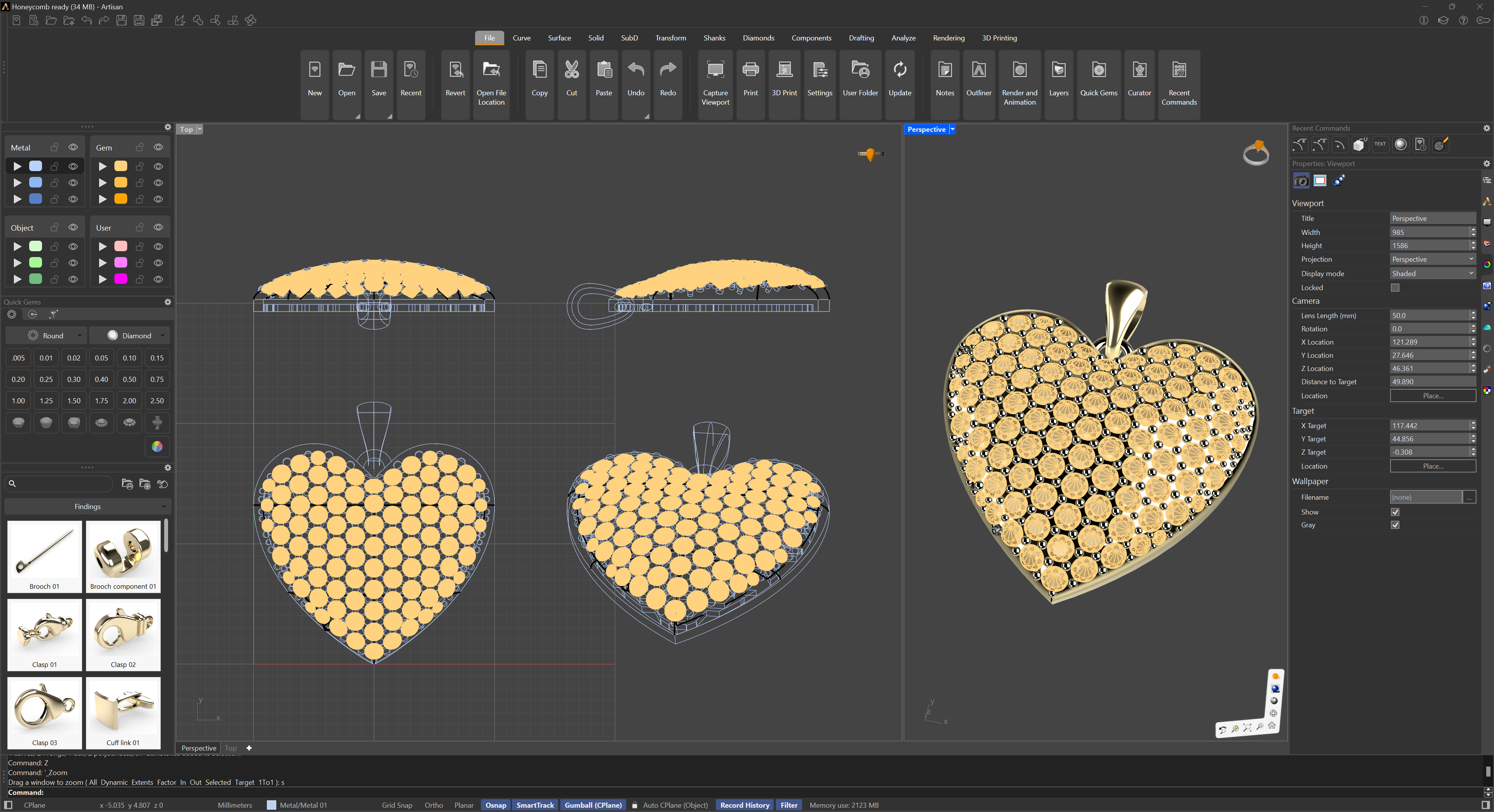
Make2D Example
The result is the raw material of a line drawing: give the hidden edges a dashed line type and hatch the sections, and the flat curves become a technical drawing.
For more information, please refer to the Rhino documentation.