User Interface
Options
RhinoArtisan adds its own branch to the Rhino Options window.
To open it, run the standard Rhino Options command, or click the Settings
icon under the File tab of the ribbon.
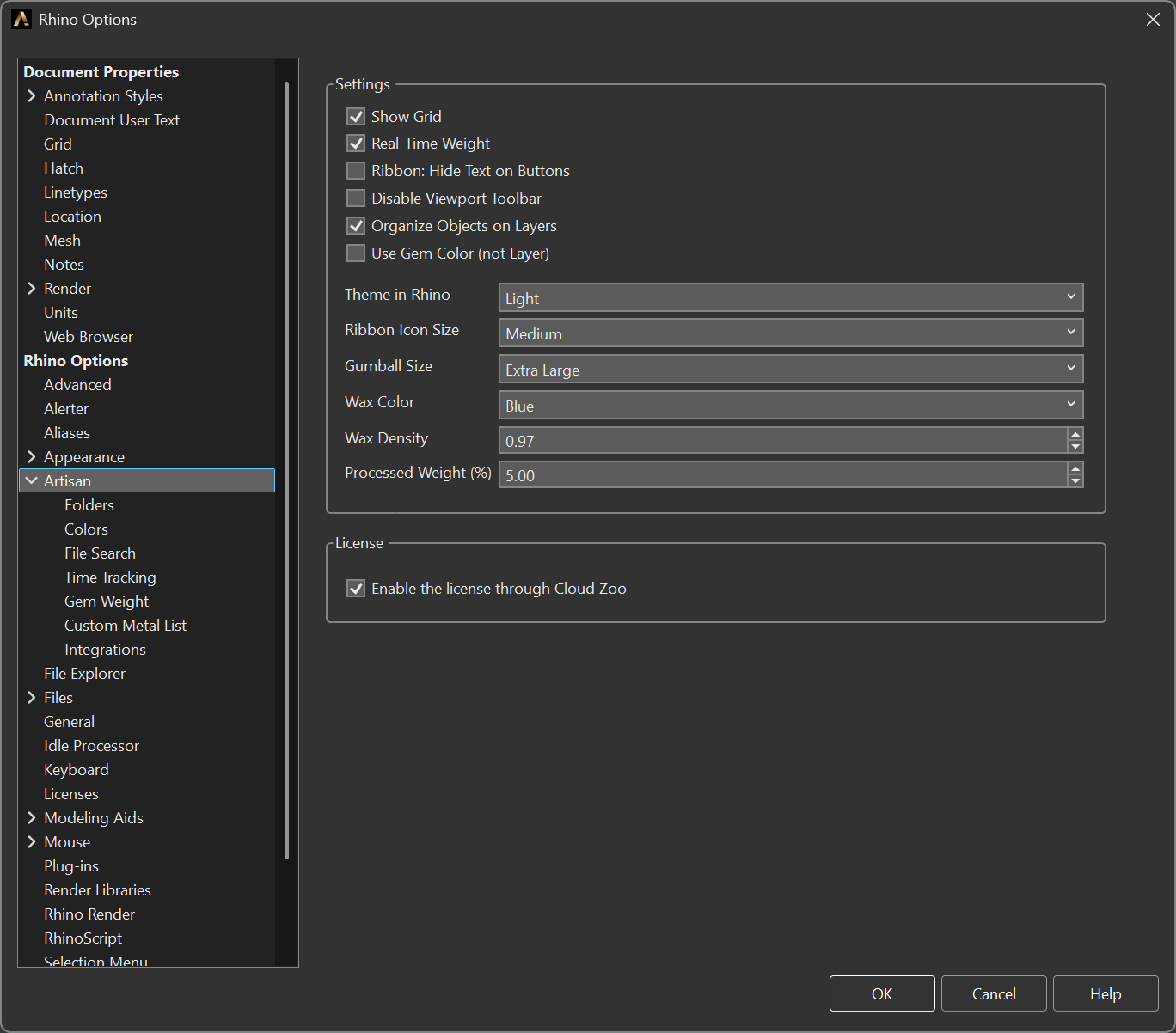
The Artisan branch of the Rhino Options window
The pages
RhinoArtisan 7 groups its settings into one root page and eight sub-pages. The root page holds the settings that change how the interface behaves; each sub-page owns one area that grew big enough — or specialised enough — to deserve its own screen.
| Page | What it covers |
|---|---|
| Artisan | Interface, viewport, weight and licence settings. |
| Folders | Where RhinoArtisan reads and writes your files. |
| Colors | Gem colours by size and the colours of the automatic layer structure. |
| File Search | Which folders the semantic file search indexes. |
| Time Tracking | The passive per-file timer. |
| Custom Gem Weight | Your own gemstone weight table. |
| Custom Metal List | Your own metals and densities. |
| Integrations | External services: Nivoda, OpenRouter and fal.ai. |
| Assistant | The Assistant’s models, its daily spending limit and your company standards. |
Toolbars
.jpg)