Shanks
Eternity Ring
 Eternity Ring
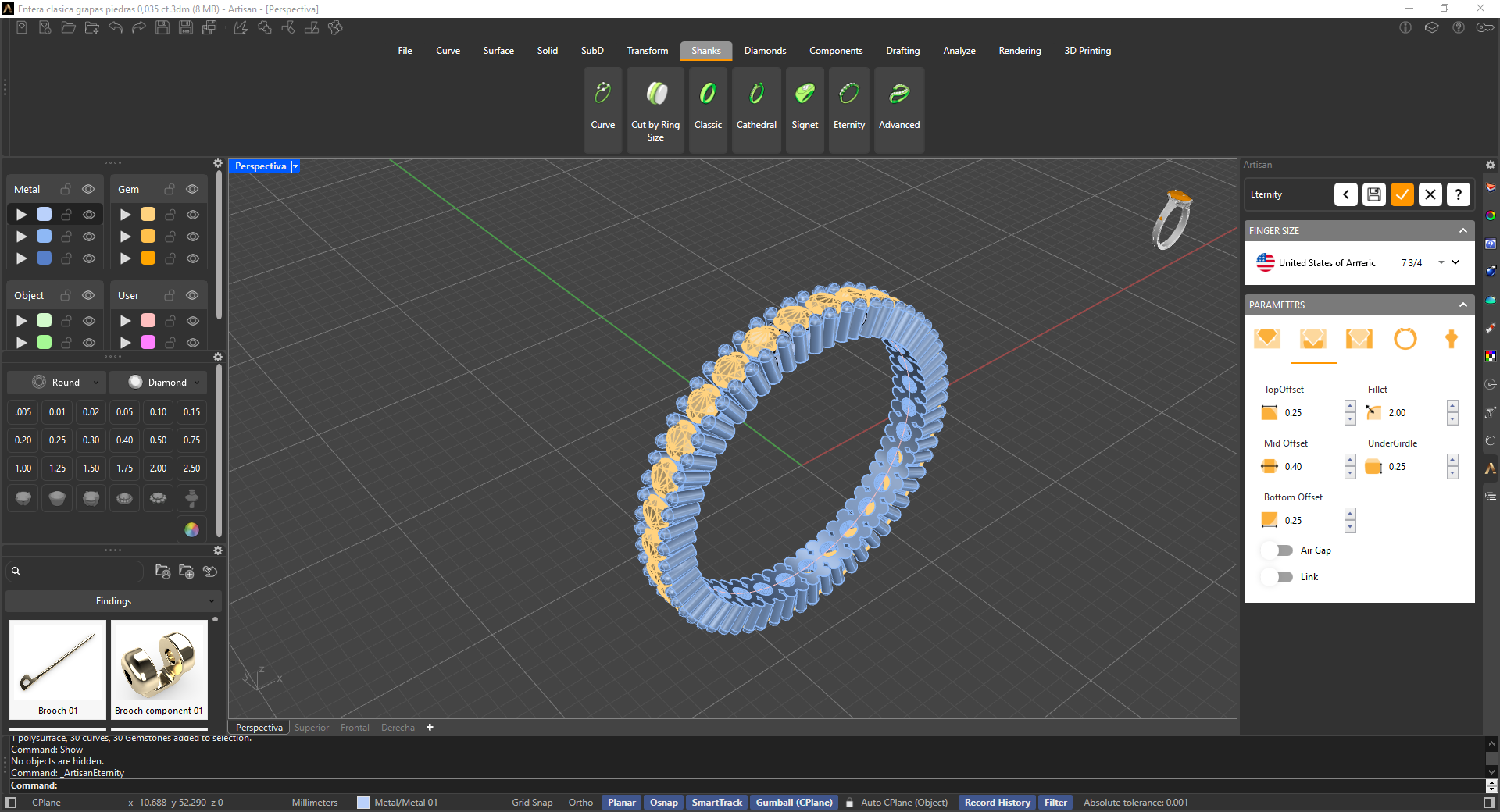
The Eternity command enables jewelers to create a wide variety of eternity bands, including Full, Half, Three-Quarter, Five-Stone, Seven-Stone, and Nine-Stone designs, all within a single command. For bands that are not Full Eternities, you can customize the remaining shank by adding your preferred sections and adjusting the parameters to achieve a harmonious design.
Parameters
The Eternity command’s parameter panel is divided into four tabs — Gems, Prongs, Bezel and Shank — to help you customize every aspect of the eternity band design.
 Gems
Gems
This tab focuses on gem distribution, allowing you to choose between options such as Full, Half, Three-Quarters, Five Stones, Seven Stones, or Nine Stones. This flexibility lets you determine how much of the band is covered by gemstones. You can also select the gemstone cut, with options like Round, Princess, Radiant, Oval, and Emerald, and the gem material (Diamond, Ruby, Emerald, Sapphire, Amethyst, Aquamarine, Morganite, Chalcedony, Moissanite and a range of coloured-stone variants).
In addition, this tab provides settings to define the gem sizes (carat weight and width/height/depth) and the minimum distance between the stones, as well as the option to adjust the gems’ position along the Z-axis for precise placement and alignment.
.png)
 Prongs
This tab focuses on the prong settings. Here, you can customize various aspects of the prongs used to secure the gemstones. Prongs can be shared between gems or created individually, and you have control over the top distance, the height over the girdle of the gems, and the prongs location, ensuring the gemstones are securely held in place.
Under Prong Diameter, you can set the top and bottom diameter, the expansion for manufacturing, and — for individual prongs — the top and bottom distance between them. A pair of buttons lets you switch the prong style between straight and bent.
.png)
 Bezel
Bezel
This tab is dedicated to the gem rails of the eternity ring. You can choose to create the ring with either one or two rails (Gem Rails), and set their shape as round, rectangular, or oval (Rails Shape). In the Rails Profile option, you can select between a round or a rectangular cross-section, allowing you to adapt the rails to the desired style of the ring. The Top Rail and Bottom Rail groups let you fine-tune each rail’s own dimensions independently, ensuring that the overall design of the ring perfectly matches your specifications and aesthetic preferences.
.png)
 Shank
Shank
This tab pertains to the shank of the eternity ring, and only applies when the Full option is not selected in the Gems tab — with Full eternity selected, the tab shows a “not available in full mode” notice instead. Otherwise, you can customize the Joining Profile and Bottom Profile (asset, width, height, type — Solid, Comfort or Thickness — and orientation — Natural or Reverse) of the remaining shank sections, plus the Cap distances (Starting Cap and End Cap) where the shank meets the eternity gems. This flexibility enables you to create a unique look that complements the overall style of the eternity band.
.png)