Rendering
Show Mapping
 Show Mapping
The MappingWidget command turns on the mapping widgets for the selected objects.
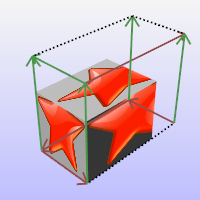
Steps
- Select objects.
- Type the mapping channel number or press Enter.
Command-line options
-ShowOCSFrame: Displays the Object Coordinate System frame added to the object by the ApplyOcsMapping command. This option is only visible when the selected object has an OCS frame.
For more information, please refer to the Rhino documentation.