Retail
Download
 Download Collections
The Download Collections command is located in the submenu of the Boutique button, found under the File menu in RhinoArtisan.
When you click Download Collections, the system will automatically check whether all official collections provided by RhinoArtisan are already available in your setup. If it detects any new or missing collections, a window will appear listing the collections that are available for download.
.png)
By clicking the Download button, the selected collections will be added to your system — whether they are Boutique collections or Components collections. Once downloaded, they will become immediately accessible within the corresponding module.
Additionally, whenever a new collection is released, a notification will appear in the top-right corner of the Boutique or Components window, informing you about the available updates. You can click on this message or manually run the Download Collections command to see which collections from the RhinoArtisan catalog are missing and download them accordingly.
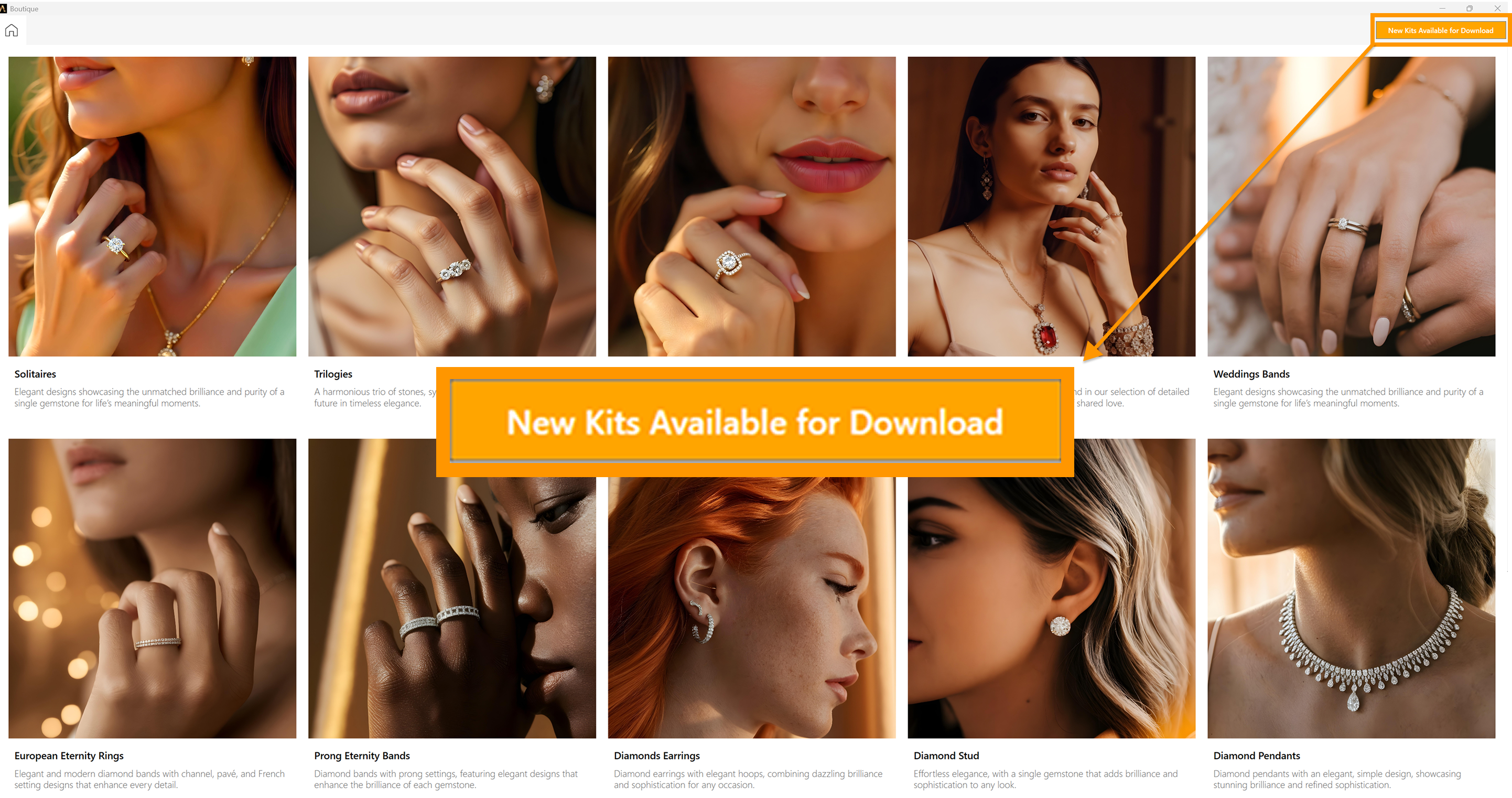
This feature helps you keep your design library up to date and ensures you never miss out on the latest creations offered by RhinoArtisan.