Technical Documentation
Gem List to Excel CSV
 Gem List to Excel CSV
Exports the information of all the gems of the document into .csv format.
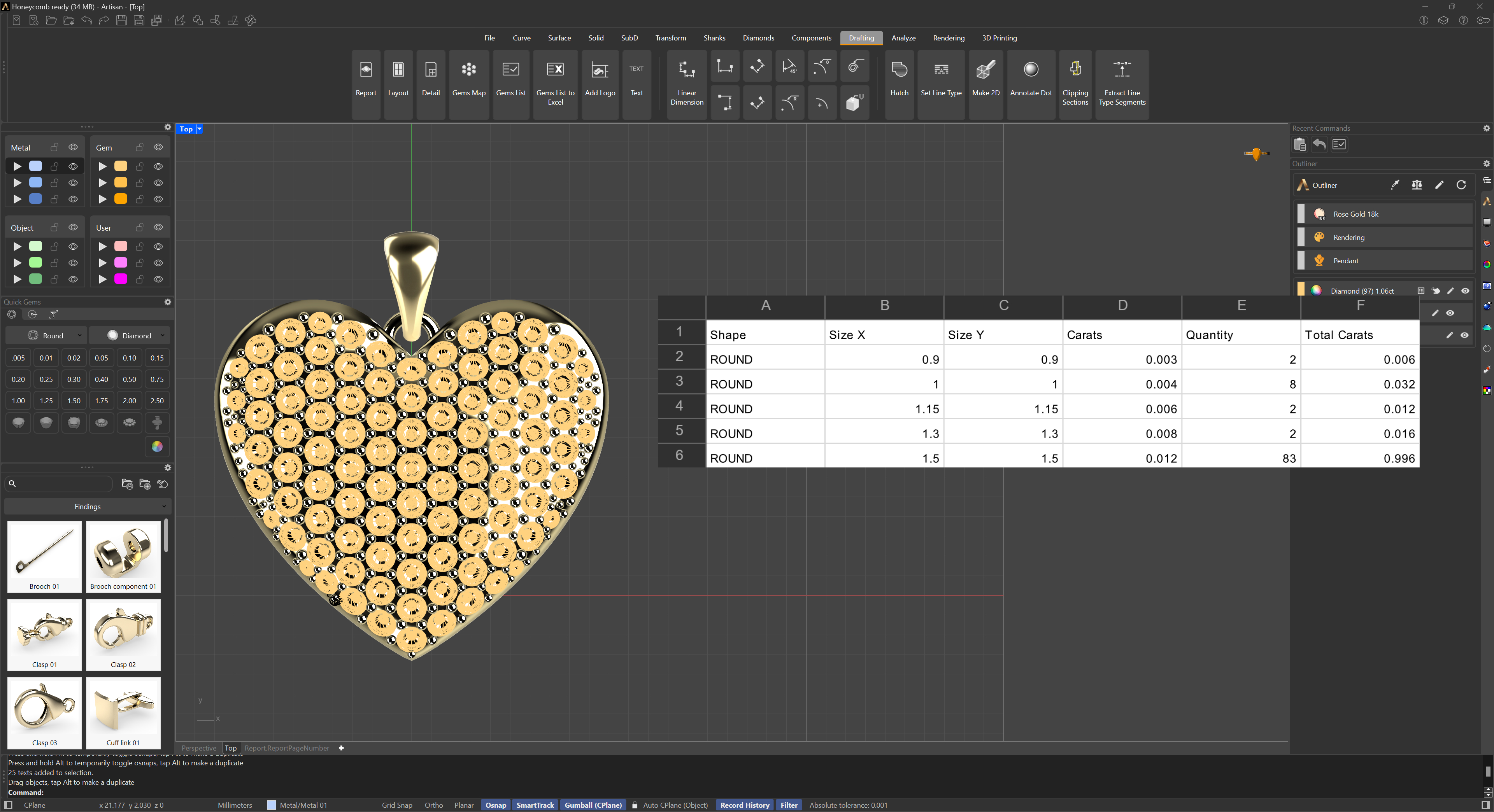
Gem List Export to Excel CSV
Run the command, and it will prompt you for the file name and the location where you want to save it. Each row lists a gem’s shape, size (X and Y), carats per stone, quantity, and total carats for that group.
The save dialog offers two CSV formats: one using your system’s regional decimal separator, and a “Force Point as Decimal” option that always writes decimals with a point, which is useful when the file will be opened on a system with a different regional format. The file is saved in CSV format, ideal for opening in Excel, Google Sheets, or any other spreadsheet application.