Technical Documentation
Add Logo
 Add Logo
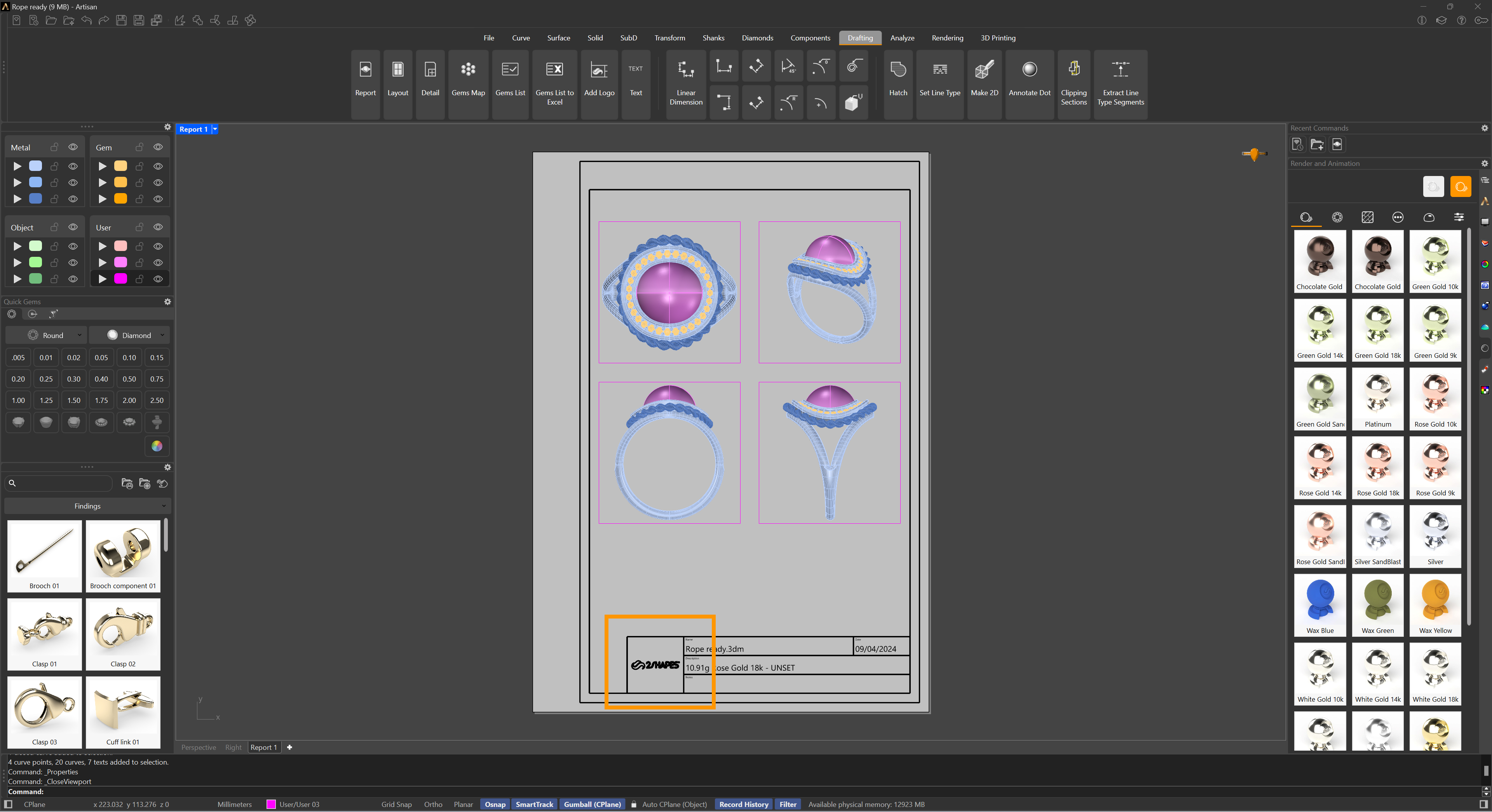
This command allows us to add our logo to the Report command. As shown in the image below, the default logo is from 2Shapes, but we recommend adding your own.
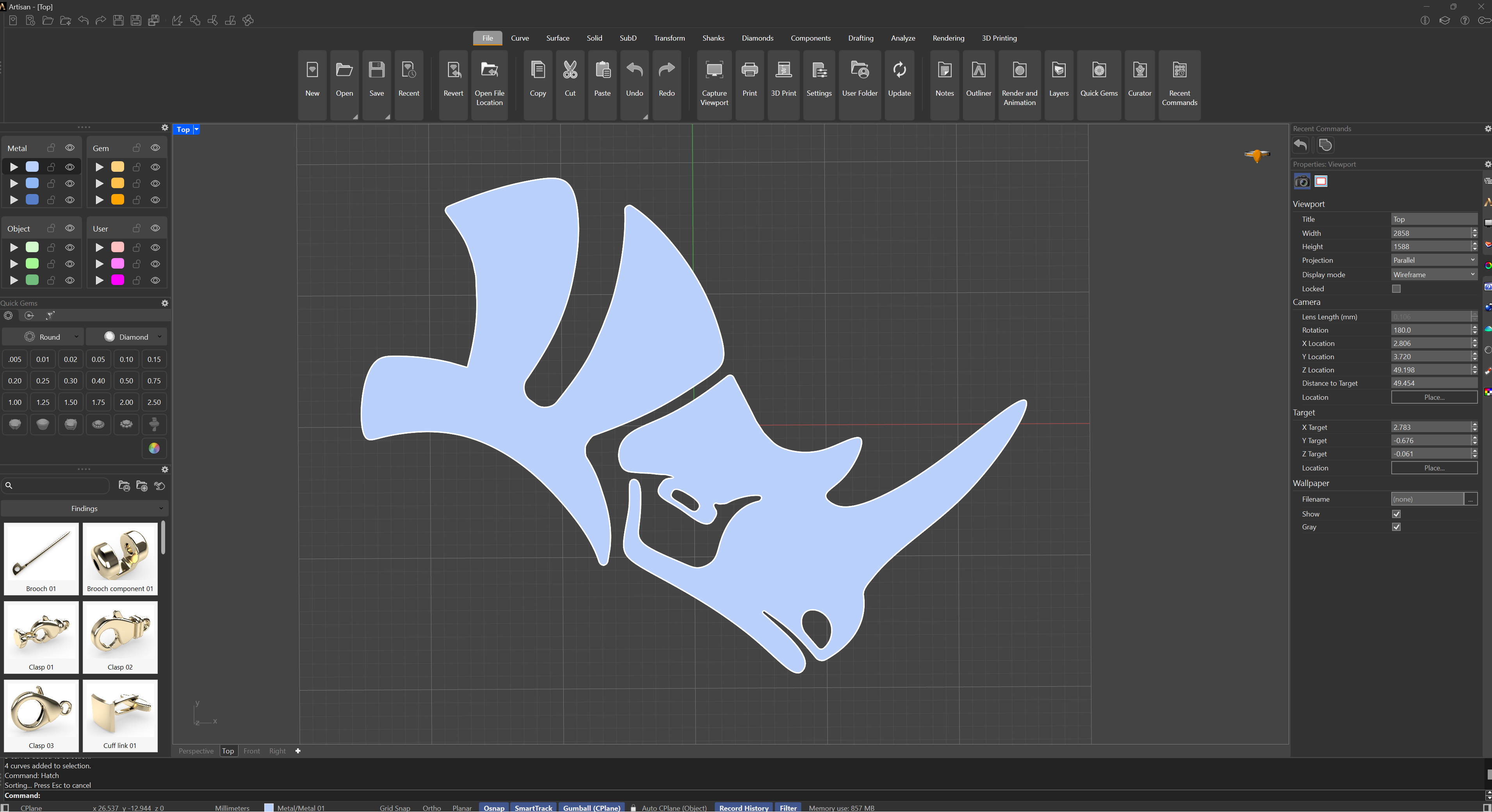
Once you have run this command, you will be asked to select which objects you want to use as a logo. A scaled and centered copy of the selection is exported as logo.3dm into your User Folder; your original objects in the model are left untouched.
The ideal logo format is vectorial, such as SVG or Illustrator. If you don’t have a logo in these formats, you can create one from scratch, draw it directly, or vectorize an image using raster-to-vector command.