User Interface
Integrations
The credentials for the external services RhinoArtisan talks to. They live in one page so keys are set once and every feature that needs them just works — no service asks you for a key in the middle of a job.
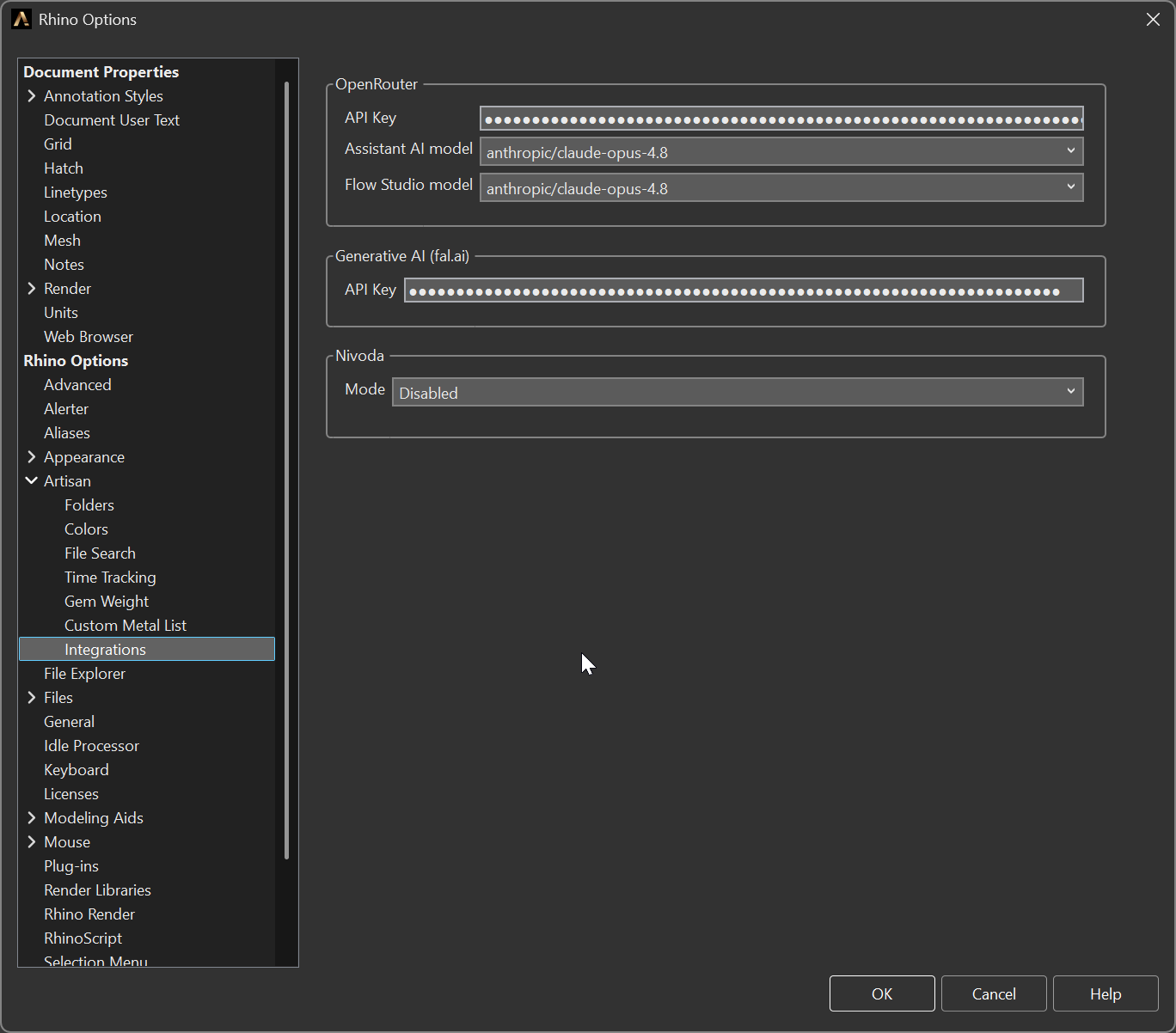
Options > Artisan > Integrations
OpenRouter
The AI provider behind the Assistant, Flow Studio AI and the Smart mode of File Search.
- API Key — your OpenRouter key. It is stored as a password field, not plain text.
- Flow Studio model — the model used by Flow Studio AI. It defaults to Claude Opus 4.8: Flow Studio AI writes code, which is worth spending a strong model on.
The Assistant’s models — and its spending limit and company standards — have their own page, Options → Artisan → Assistant. The full list of models, and how to choose, is in Choosing models.
Generative AI (fal.ai)
- API Key — used by Generative AI Studio to generate images, video and 3D from your designs, and by the Assistant when you ask it for a picture. Also stored as a password field. The Studio chooses its model for each generation; the Assistant’s image models are in Assistant options.
How to create both keys, step by step: Accounts and API keys.
Nivoda
Live diamond stock inside Rhino, through the Nivoda panel.
- Mode — Disabled (default) or Online. The credential fields only appear once you switch to Online, so the page stays quiet for the many users who do not have a Nivoda account.
- Url — the Nivoda endpoint.
- Username and Password — your Nivoda account.