Extrude Surface
 Extrude Surface
The ExtrudeSrf command creates a solid by tracing the path of the surface edges in a straight line.
Steps
Command-line options
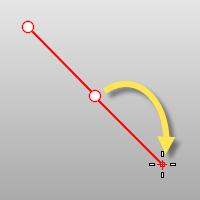
SetBasePoint: Specify a location that serves as the first point when picking two points that set the extrusion distance.
Direction: Two points establish the direction angle
-
Direction steps
1.Pick a base point.
2.Pick a second point that establishes the direction angle.
BothSides: Draws the object on both sides of the start point, creating the object twice as long as you indicate.
Solid: If the profile curve is closed and planar, both ends of the extruded object are filled with planar surfaces and joined to make a closed polysurface.
DeleteInput
- Yes: Deletes the original geometry.
- No: Retains the original geometry.
ToBoundary: Extrudes the object to a boundary surface.
For more information, please refer to the Rhino documentation.